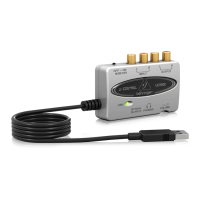
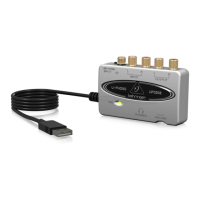
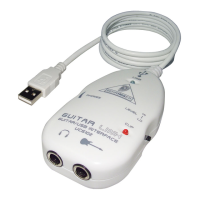
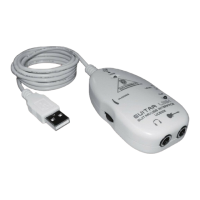
guitar link ucg102
19Installation for Windows
ASIO-USB Control Panel does not show BEHRINGER USB AUDIO as Device
Check USB connection. If possible, try a different USB cable or USB port. =
Connect UCG102 directly to PC or Laptop, not via a USB hub. =
Close the application and re-run “setup.exe“ in the folder "ASIO_driver" on the CD. =
Latency time too long
Start the 1) ASIO-USB Control Panel from within the audio software (may be called ASIO Cong
or similar).
USB Device2) = BEHRINGER USB AUDIO.
Click on the 3) ASIO tab.
System Performance4) = rapid (or even highspeed).
Clicks or dropouts in recording
Start the 1) ASIO-USB Control Panel from within the audio software (may be called ASIO Cong
or similar).
USB Device2) = BEHRINGER USB AUDIO.
Click on the 3) ASIO tab.
System Performance4) = normal.
Visit www.musicXP.net for some helpful advice about optimizing Windows XP for music applica-
tions.







 To Next Page