13
User Manual
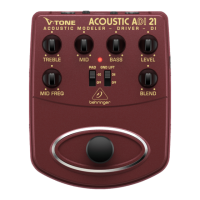
(7) The -20 dB PAD switch attenuates the output level of the BAL OUT
(see (10)) by -20 dB. It should be activated when the output level is
too high for the microphone input of the mixer channel.
◊ ◊ Before using the PAD switch, be sure that it is the mic
preamp on the mixing console that is clipping and not the
ADI21. You should only attenuate the output signal via
the PAD switch if the CLIP LED of the mic channel lights up
frequently or remains lit.
(8) Use the footswitch to activate/deactivate all the tone functions
(EQ, microphone/tube emulation). When deactivated, the ADI21
functions solely as a standard transparent DI box.
(9) This LED illuminates when the eect is activated (see (8)).
Connectors
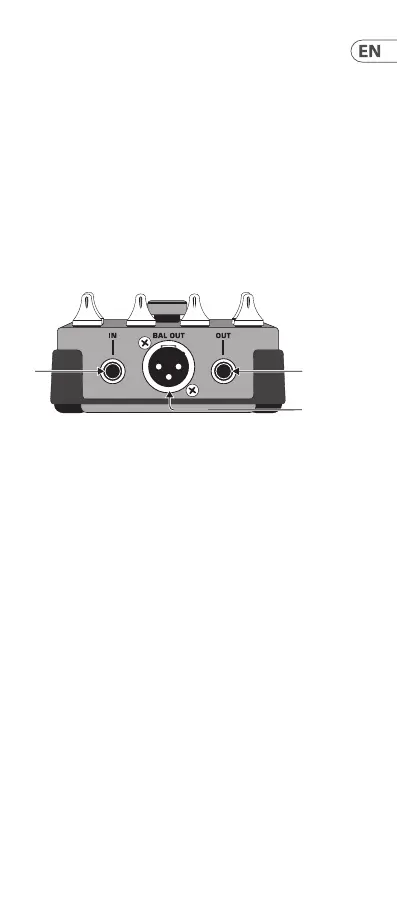
(10) Use this ¼" TS INPUT connector to plug in the instrument cable of
your acoustic guitar or other instruments.
(11) BAL OUT is the ADI21’s balanced mic level output. Use a high-
quality, balanced XLR (microphone) cable to connect the driver to
a mixing console.
(12) The unbalanced ¼" TS OUT connector sends the signal to your
guitar amp.
(10) (12)






 To Next Page