4 Operaton
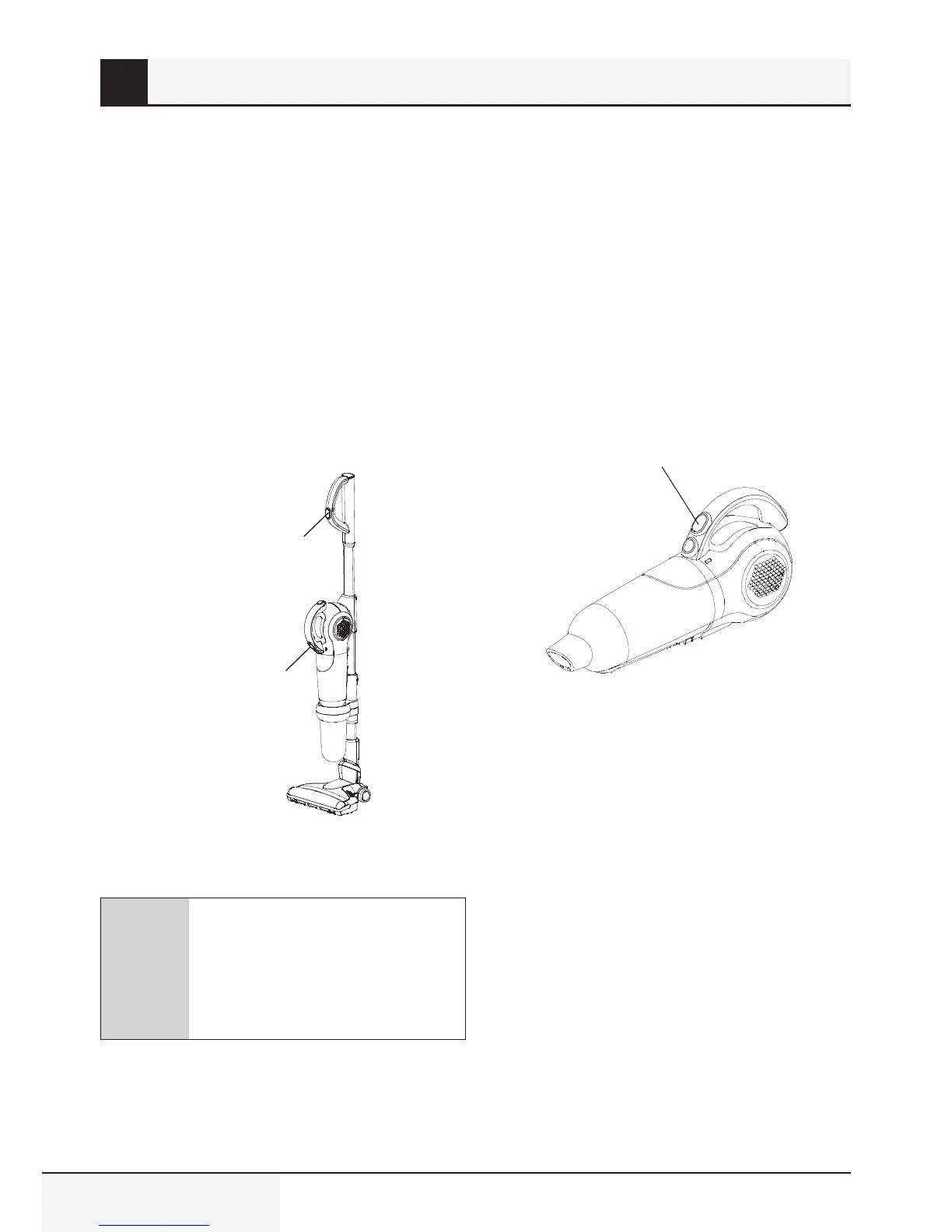
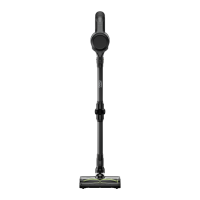
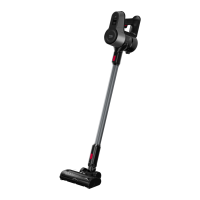
4.1 Operaton mode of push
rod
1. Remove the vacuum cleaner from chargng
dock.
2. Press whole machne swtch button on the
handle, and control start and stop of the
vacuum cleaner.
3. Press handle swtch button, turn on the
ndcator lght, set the machne n hgher level
4. Press the button agan for settng the machne
n lower level.
5. Press the button for the thrd tme for turnng
off the machne, and acheve crculatng
operaton.
Whole-machne
swtch button
Hand-held
swtch button
C
The vacuum cleaner can
automatcally walk at slow speed
after whole machne swtch button
on the handle s pressed n order
to help users to push the vacuum
cleaner easly.
4.2 Operaton mode of hand-
held vacuum cleaner
1. Remove hand-held vacuum cleaner.
2. Press the swtch button to turn on the hand
held devce. The ndcator wll lght.
3. Press the handle once for settng the machne
n hgher level.
4. Press the button agan for settng the machne
n lower level.
5. Press the button for the thrd tme for turnng
off the machne, and acheve crculatng
operaton.
Hand-held swtch button
4.3 Operaton mode of electrc
ground brush
The electrc ground brush can be used for short
ple carpets, hard floors and floor tles.
4.3.1 What s roller cloggng
rotaton protecton?
When the electrc ground brush s used, f the large
objects enter the unt the roller chamber may be
damaged therefore the unt wll automatcally
turn off as a protecton feature.



 To Next Page