34
Installation GRS105/GRS106
Release
01
11/2021
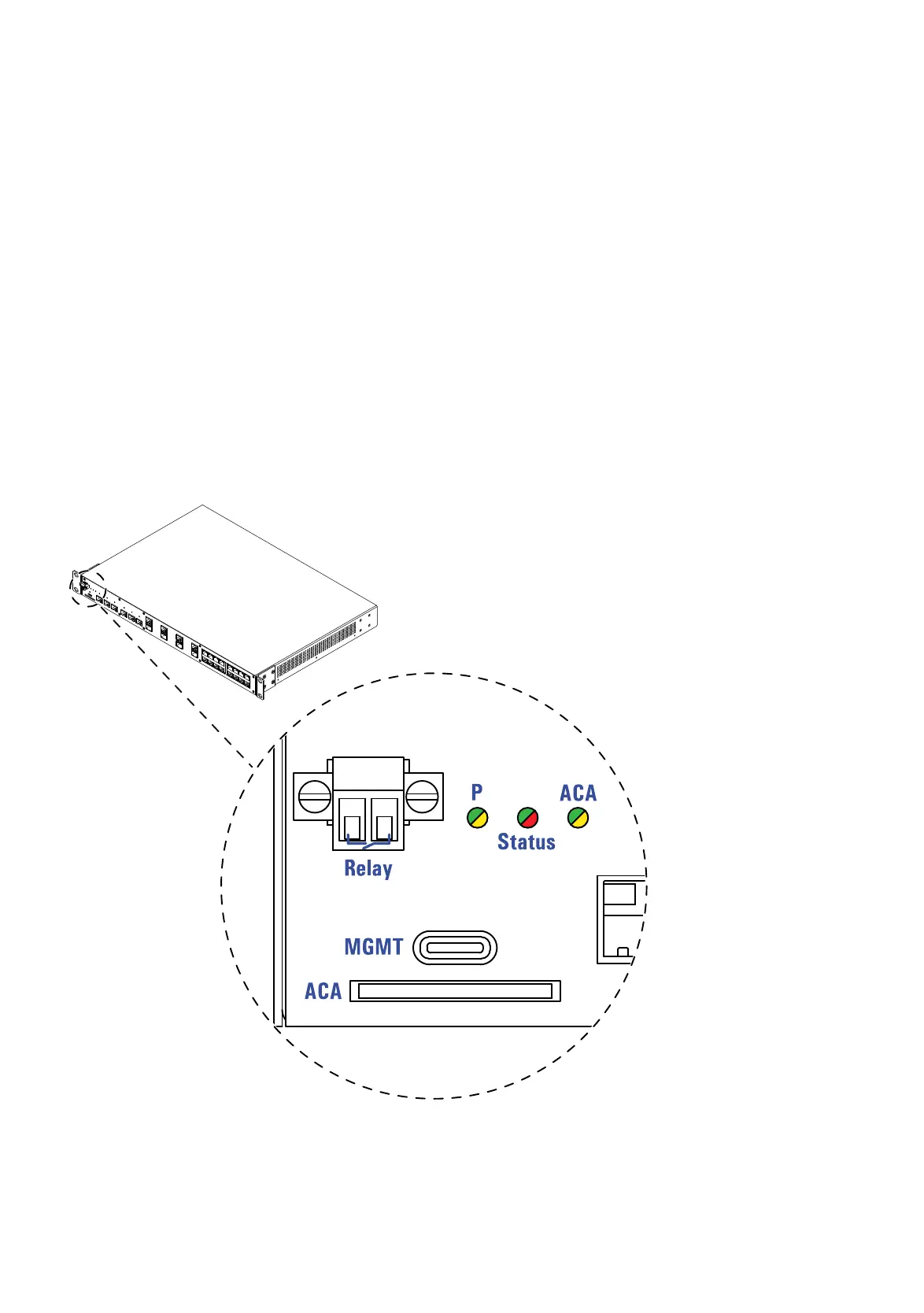
The SD card interface allows you to connect the AutoConfiguration Adapter
ACA31 storage medium. The storage medium ACA31 is used for saving/
loading the configuration data and diagnostic information, and for loading the
software.
On the front side of the device there are LEDs that inform you about the
status of the interface.
5.7 Display elements
After the supply voltage is set up, the software starts and initializes the
device. Afterwards, the device performs a self-test. During this process,
various LEDs light up.
5.7.1 Device Status
Figure 8: Device status: Location of the display elements on the device (front side
of the device)













 To Next Page