38
Installation GRS105/GRS106
Release
01
11/2021
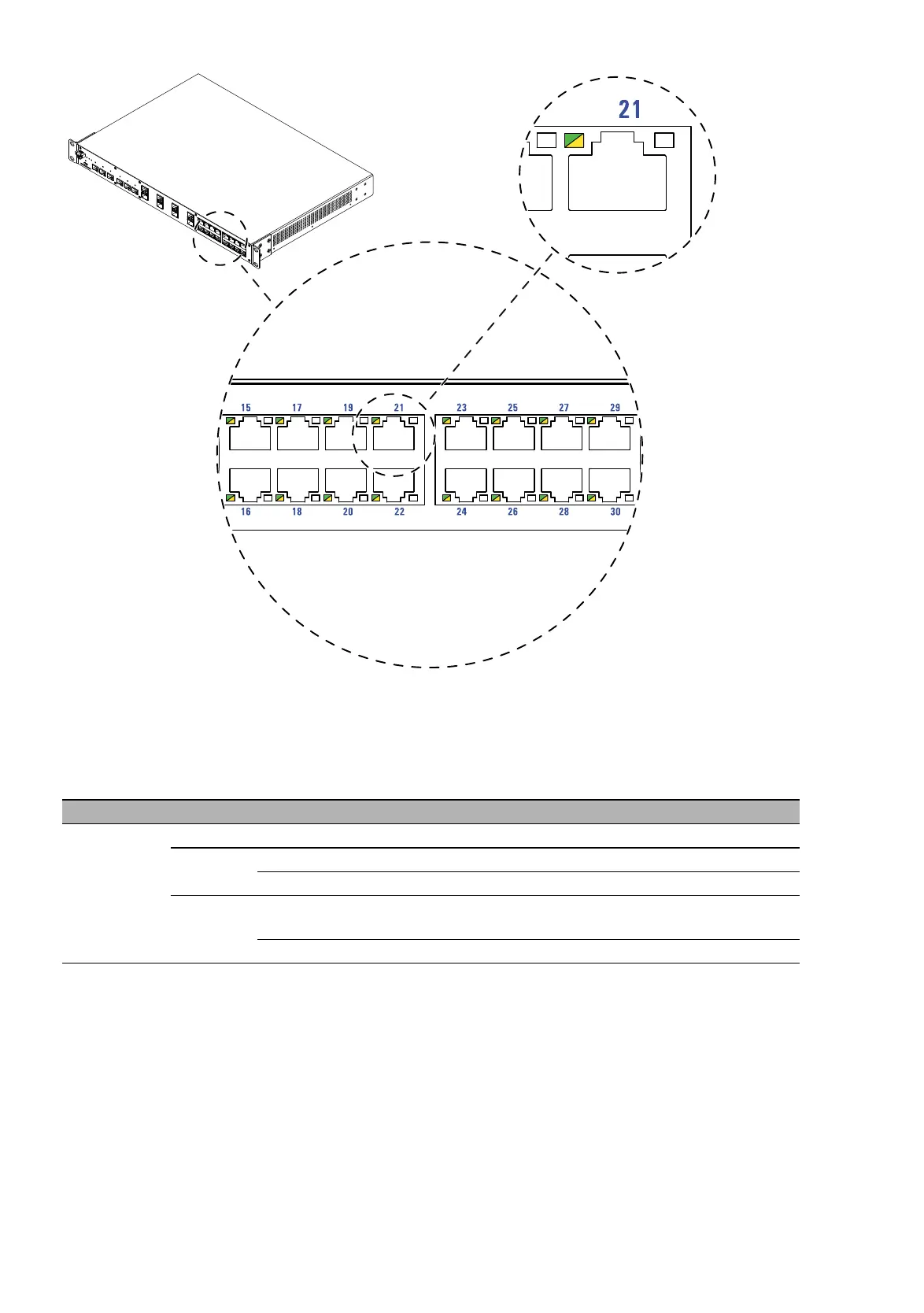
Figure 11: Port status: Location of the display elements of Port group III on the
device (front side of the device)
These LEDs provide port-related information.
Display Color Activity Meaning
Link status – none Device detects an invalid or missing link
green lights up Device detects a valid link
flashes 1 × a period Port is switched to stand-by
yellow lights up Device detects an unsupported SFP or a
data rate mismatch
flashing Device is transmitting and/or receiving data













 To Next Page