3
GETTING STARTED
Connect to Your Router
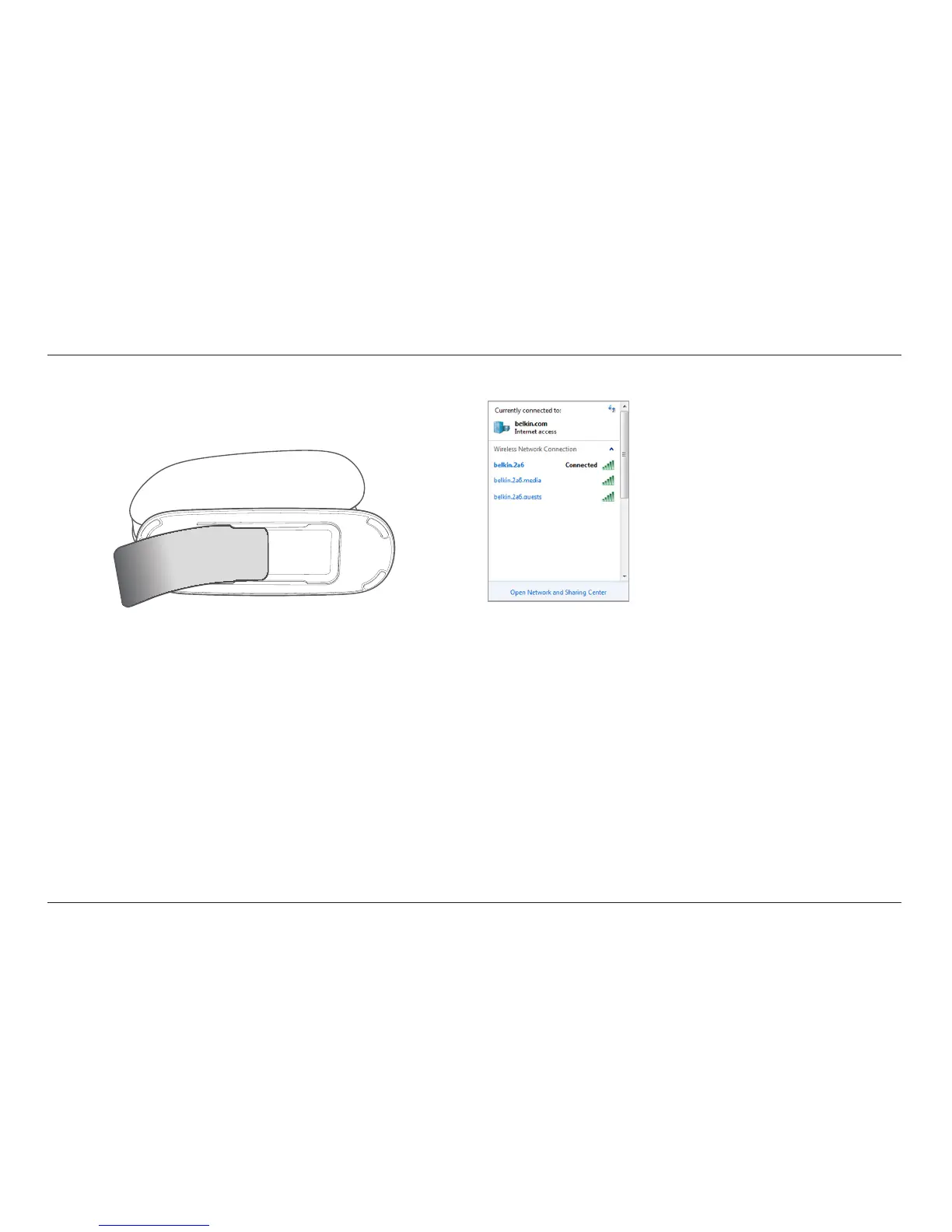
Retrieve the network ID card from the foot of your new Belkin Router.
Can’t find the card? The default network name and
password are also printed on the foot of the Router.
Use your computer, tablet, or smartphone to connect to
the wireless network shown on the network ID card.
For information on how to connect your wireless devices, please
see the “Connect Your Wireless Devices” section on page 20.
When requested, please enter the password
(security key) provided on the card.
When your device has connected to the Router, use a browser
to visit http://router/. The router homepage will appear.



 To Next Page
 Loading...