44 54
Overview
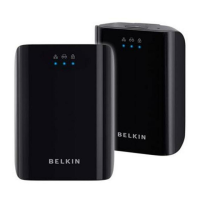
Installation of the Powerline AV Networking Adapter takes only
seconds and does not require setting up long wires throughout the
house. Simply plug the units directly into any available wall outlet and
connect to any device with an Ethernet port. Users have the option to
randomly change the security password for their powerline network.
Hardware Setup
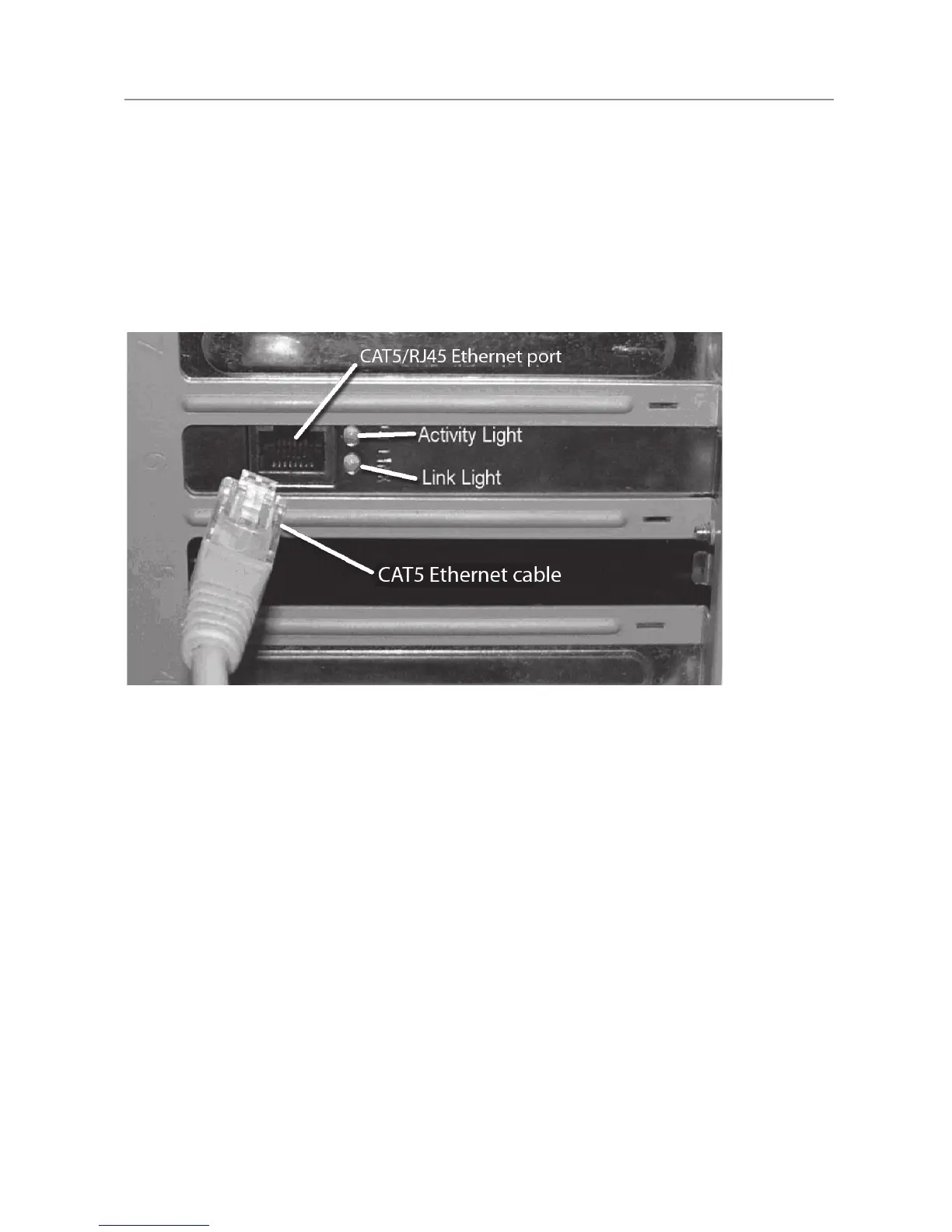
1. Plugyournetworkcableintothecomputer’sRJ45networkadapter
port.
2. PlugtheotherendofyournetworkcableintotheRJ45port
located at the back of the Adapter.
3. Plugthepowercableorwalladapterintothepowerconnectorat
the back of the Adapter.
4. Insert the power plug of your power cable or wall adapter directly
into a power outlet in the wall.
NOTE: Do not plug the device into a UPS or power strip with surge protection.
The Adapter has its own power filter for protection against surges.
5. RepeatthisprocessforthesecondAdapter
Installing and Setting Up the Adapters


 To Next Page