6
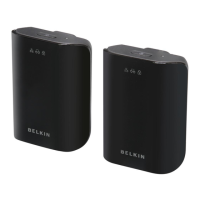
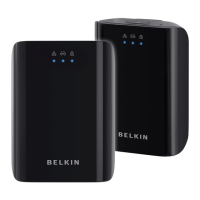
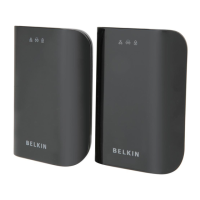
Gigabit Powerline HD Networking Adapter
SECTIONS
Table of Contents
1 2 4
CONFIGURATION
3
Overview
The Adapter uses 128-bit AES encryption to block access from
the outside. By default, the protection is enabled. However, it is
recommended that you change the default network password with the
“Encryption” button located on the units.
Changing the Network Password
1. With both Adapters plugged into the wall, press the “Encryption”
button on both units for 10 seconds. The password on these
Adapters has now been changed to a random value.
2. Next, press the “Encryption” button on one unit for more than 1
second, but less than three seconds.
3. Within two minutes, press the “Encryption” button on the second
unit for more than 1 second, but less than three seconds.
4. The new network password has now been saved to the second
unit. The password will not be lost, even if the Adapters are
unplugged from the wall.


 To Next Page