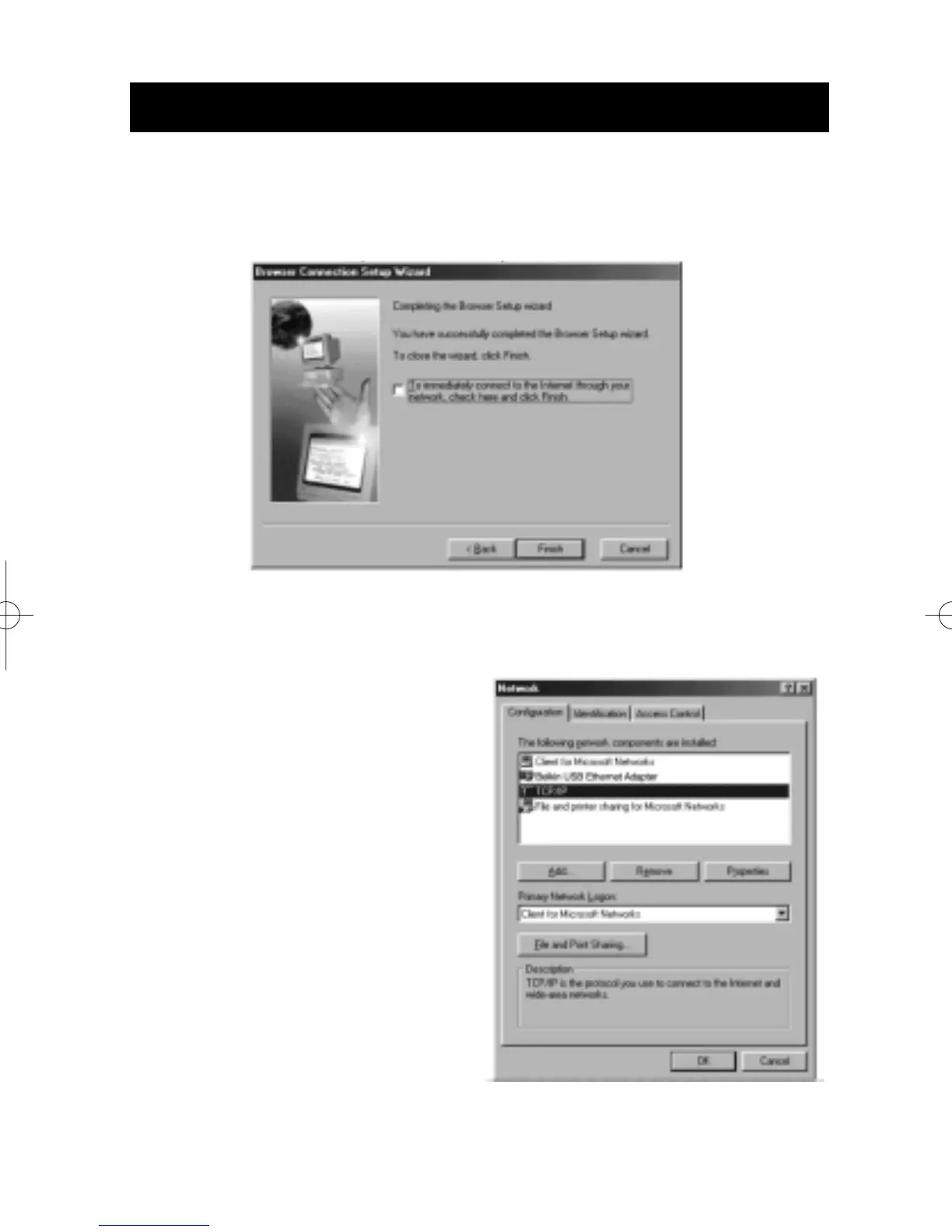
5. You have now completed the Browser Setup Wizard. Click Finish.
Client configuration check
To access the Internet using a Connection Sharing Computer, ensure
that the TCP/IP settings for your
network adapter are set
correctly by carrying out the
following steps:
1. In the Control Panel, double-
click on the Network icon.
2. In the list of network
components, click TCP/IP
associated with the
network adapter, and then
click Properties.
Sharing an Internet Connection
38


 To Next Page