Installing the Network Drivers
4
Installing the network drivers
Now that you have properly installed the USB 10/100 Ethernet Adapter
and it is properly connected to the network, we are now
ready to configure the software to allow your computers to work
together efficiently.
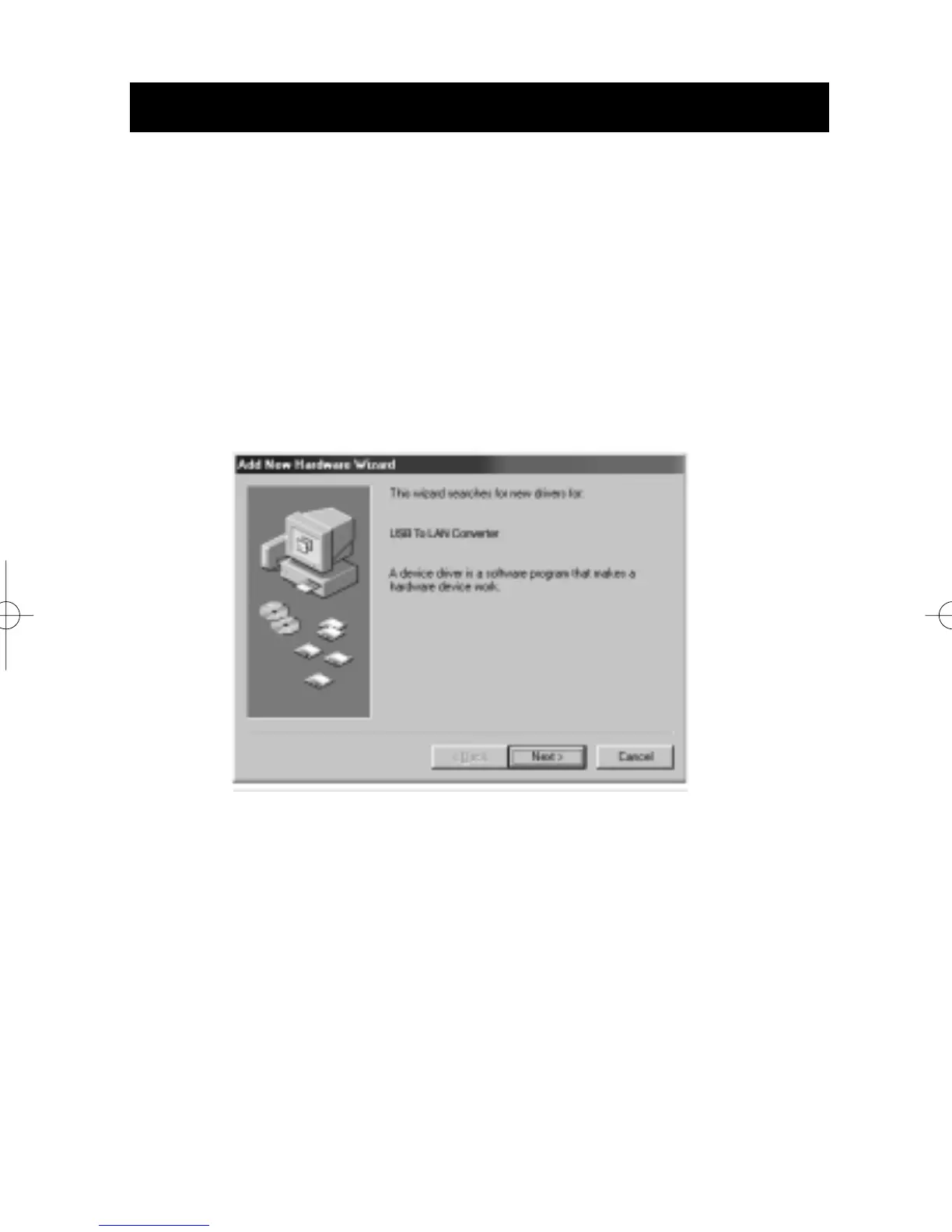
1. Turn on the power to the PC. Windows will automatically
detect that a new device has been installed and will display
the following window:
2. The "Add New Hardware Wizard" will begin:
3. Click the Next button.



 To Next Page