Installing the Hardware
2
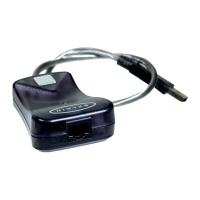
Installing the USB 10/100 Ethernet Adapter
1. Turn off the power to the desktop/laptop.
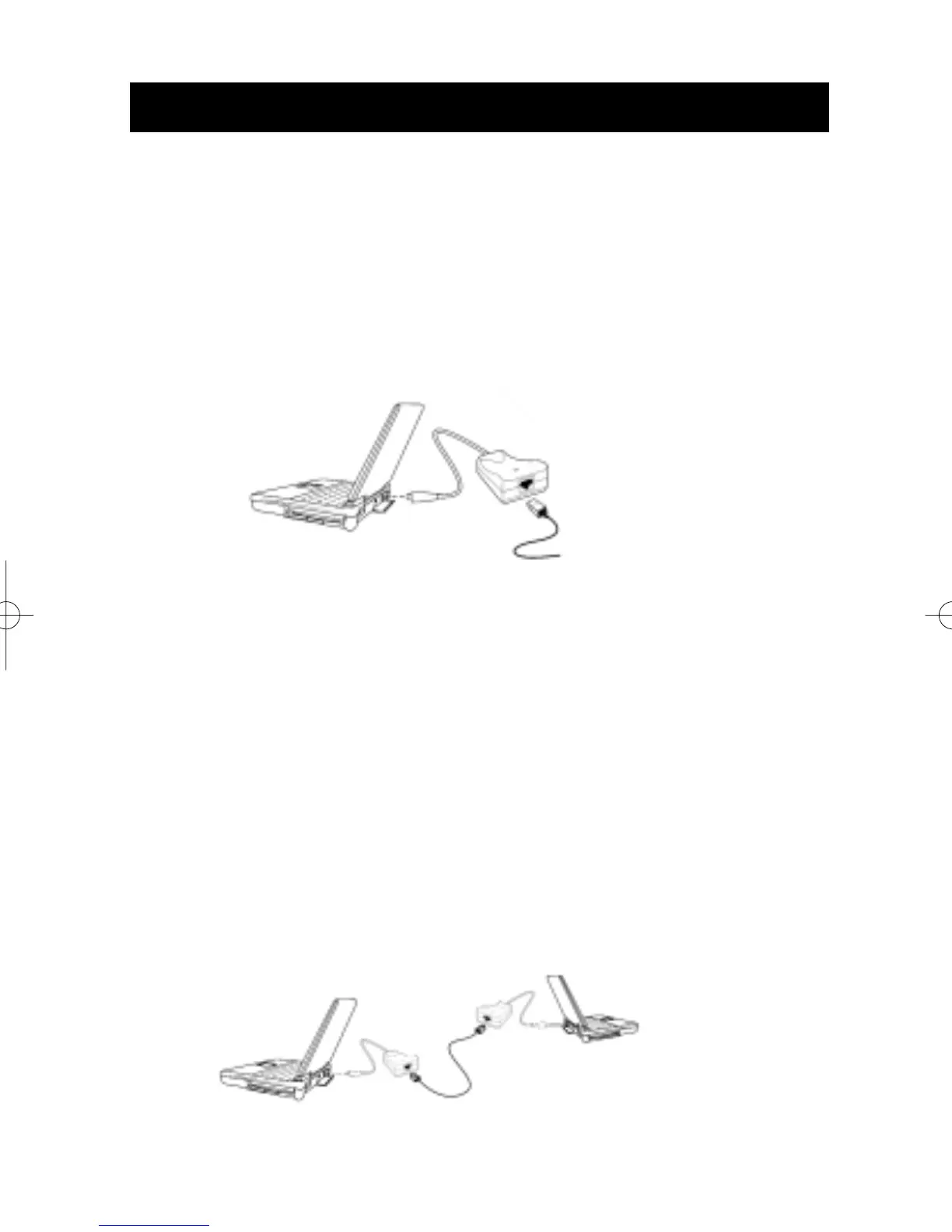
2. Insert the USB 10/100 Ethernet Adapter’s USB Connector into
the PC’s USB port.
3. Insert a CAT5 cable into the Ethernet jack.
Basic PC-to-Ethernet Port Connections
An Ethernet port is used to connect the adapter to an Ethernet
environment. Such a port might be an Ethernet hub, switch, network
wall socket, peripheral device, etc.
4. Use the following connection diagrams for your specific application:
PC-to-PC Direct Connections
NOTE: A standard Belkin Network Cable cannot be used to directly
connect two computers. A specially wired cable called a crossovc
cable is needed to allow you to connect 2 computers without the use
of a network hub or switch. Belkin crossover cables are yellow
(Belkin A3X126-XX-YLW-M)
to Ethernet Port
USB Ethernet
10/100 Adapter
PC
Ethernet
Cross-Cable
USB Ethernet
10/100 Adapter
PC
PC


 To Next Page