I can’t connect to the Internet wirelessly.
If you are unable to connect to the Internet from a wireless
computer, please check the following items:
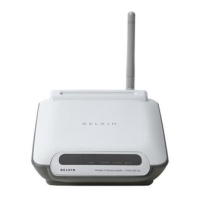
1. Look at the lights on your wireless router. If you’re using a
Belkin Wireless Router, the lights should be as follows:
• The “Power” light should be on.
• The “Connected” light should be on, and not blinking.
• The “WAN” light should be either on or blinking.
If your Belkin Wireless Router’s lights have the above
characteristics, go to number 2 below.
If this is NOT the case, make sure:
• The router’s power cord is plugged in.
• All cables are connected between the router and
the modem.
• All the modem’s LEDs are functioning correctly. If not, see
your modem’s user manual.
• Reboot the router.
• Reboot the modem.
If you continue to have issues, please contact Belkin
Technical Support.
If you are not using a Belkin Wireless Router, consult that router
manufacturer’s user guide.
2. Open your wireless utility software by clicking on the icon
in the system tray at the bottom right-hand corner of the
screen. The tray icon should look like this (the icon may be
red or green):


 To Next Page