6968
Using the Web-Based Advanced User Interface
section
1
9
2
3
4
5
6
7
8
10
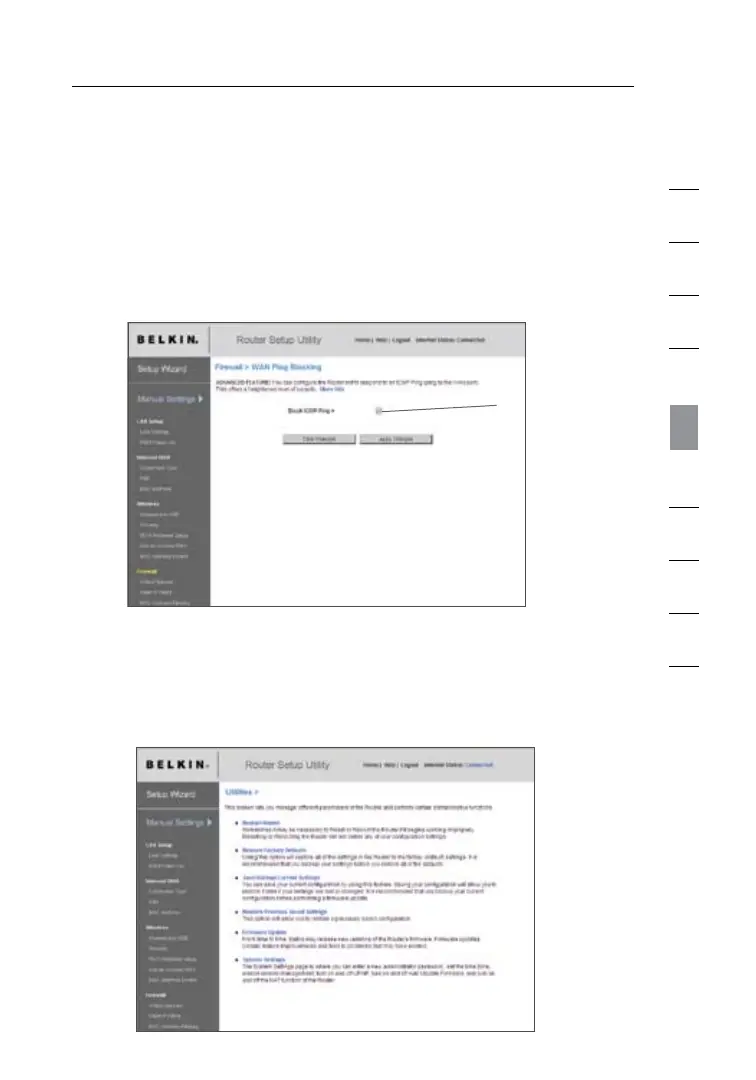
Blocking an ICMP Ping
Computer hackers use what is known as “pinging” to find
potential victims on the Internet. By pinging a specific IP address
and receiving a response from the IP address, a hacker can
determine that something of interest might be there. The N1 Vision
can be set up so it will not respond to an ICMP ping from the
outside. This heightens your N1 Vision’s security level.
(1)
To turn off the ping response, select “Block ICMP Ping” (1) and click
“Apply Changes”. The N1 Vision will not respond to an ICMP ping.
Utilities
The “Utilities” screen lets you manage different parameters of the
N1 Vision and perform certain administrative functions.





 To Next Page