1
2
3
4
5
6
9
8
10
8584
Manually Configuring Network Settings
section
7
4. Selectthe“TCP/IP”tab(3). Next to “Configure” (4), you should
see “Manually” or “Using DHCP”. If you do not, check the
PPPoE tab (5) to make sure that “Connect using PPPoE” is NOT
selected. If it is, you will need to configure your N1 Vision for a
PPPoE connection type using your user name and password.
5. If “Manually” is selected, your N1 Vision will need to be set up
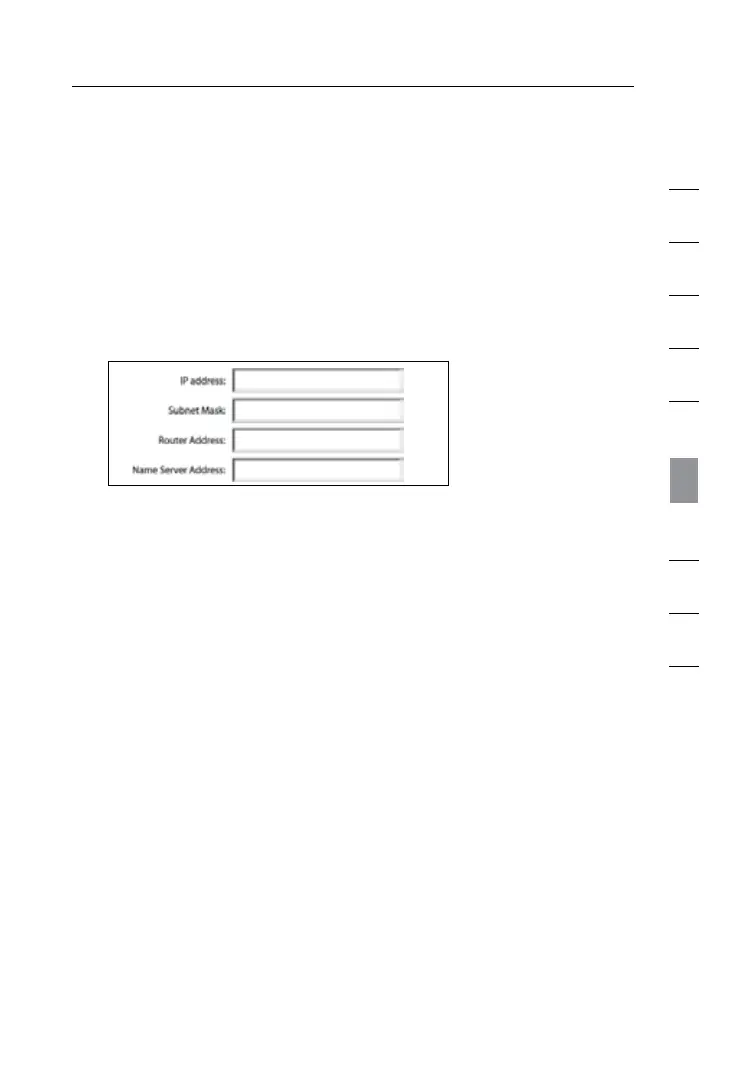
for a static IP connection type. Write the address information
in the table below. You will need to enter this information into
the N1 Vision.
6. If not already selected, select “Using DHCP” next to “Configure”
(4), then click “Apply Now”.
Your network settings are now configured for use with the
N1 Vision.





 To Next Page