7
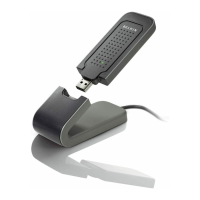
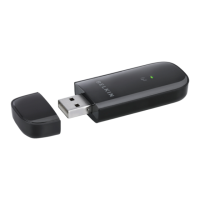
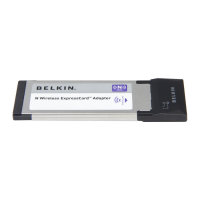
Enhanced Wireless USB Adapter
SECTIONSTable of Contents 1 2 4 5 6
INSTALLING AND SETTING UP THE ADAPTER
3
A. Installation Process for Windows Vista
***NOTE: For information on updated drivers, please visit the Belkin
website at www.belkin.com/support.
IMPORTANT: INSTALL THE SOFTWARE BEFORE INSERTING
THE ADAPTER.
A.1 Insert the Installation Software CD into your CD-ROM drive.
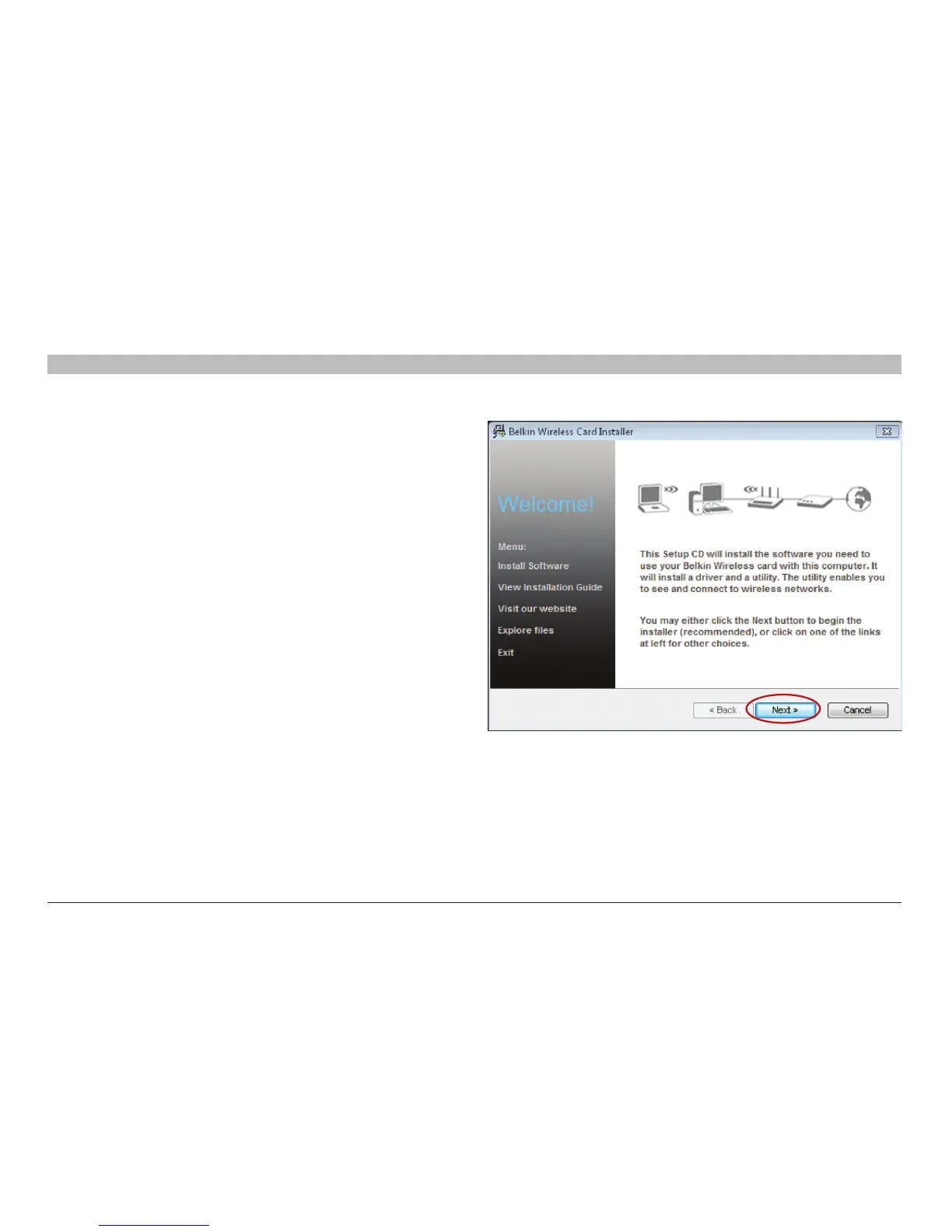
A.2 Click “Next” to begin the installation process.
Note: If the Belkin Wireless Card Installer screen does not appear
within 20 seconds, access your CD-ROM by double-clicking on the
“My Computer” icon; then double-click on the CD-ROM drive into
which the installation CD has been placed. If the Installer does not start
automatically, double-click on the icon named “Installer.exe”.


 To Next Page