Getting Started
What’s in the Box
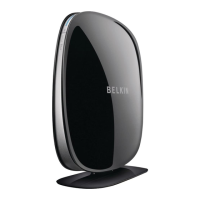
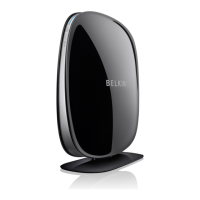
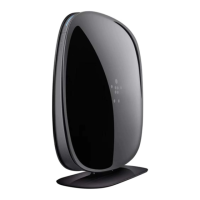
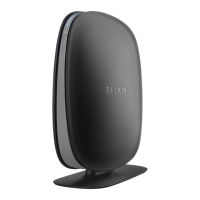
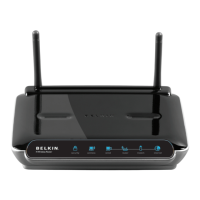
N600DBWirelessDual‐BandN+Router
Ethernetcable(attachedtorouter)
Powersupply(attachedtorouter)
Networkinformationcard(attachedtorouter)
BelkinSetupCDwithUserManual
Quick Setup Guide
Initial Setup
WheretoPlaceYourRouter
Forthebestresults,placetheRouternexttoyourmodeminan
openlocationawayfromlargemetalobjectsandmagnetssuchas
thosefoundinspeakers.RaisingtheRouterabovefloorlevelcan
improvethestrengthofyourwirelesssignal.
HowtoSetItUp
Connect Your N600 DB Router
1. Turn off your modem by
disconnecting its power supply.
2. Connect your Router to your
modem using the cable (already attached).


 To Next Page