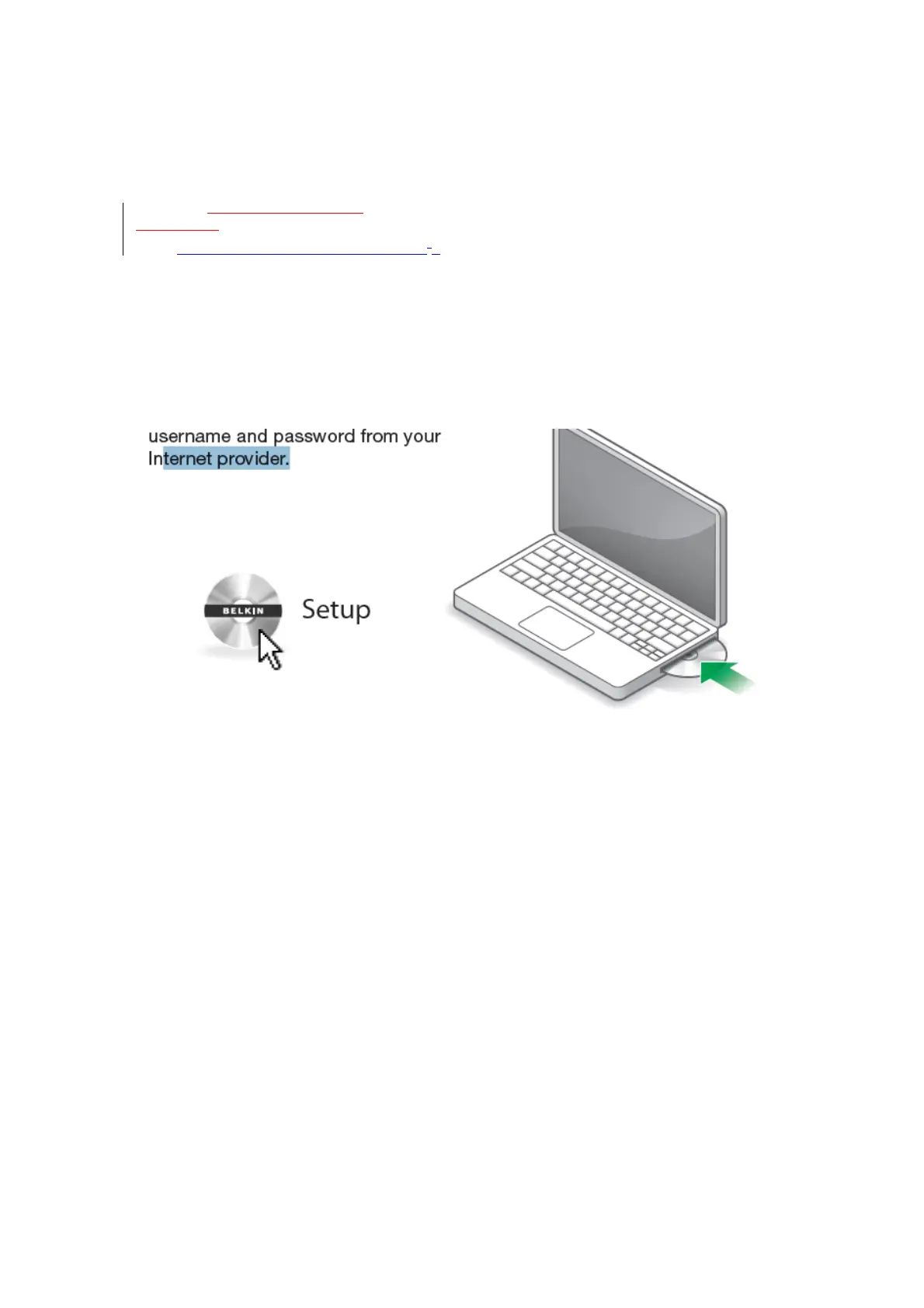
Insert the included CD into your
computer. Find the setup program
and open it. It should run automatically;
if not, find the setup program and open it. fFollow the prompts.
The setup software will configure your
Internet connection and let you know
when things are working.
If you have DSL, you may need a
username and password from your Internet provider.
[Image of laptop and CD]
[You can get the actual artwork from the N900DB QIG “QIG_F9K1104_8830-06656_N900.pdf”]


 To Next Page