5
OVERVIEWOVERVIEW
4
Operating Systems
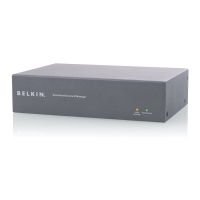
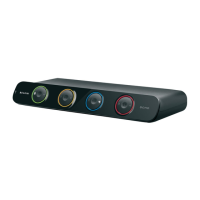
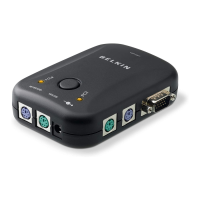
OmniView E Series KVM Switches are for use on PS/2-based computers.
Platforms:
• Windows
®
3.x/95/98/2000/Me/NT
®
/XP
• DOS
• Linux
®
• Novell
®
NetWare
®
4.x/5.x
Keyboards:
• Supports 101-102-104-key keyboards
Mice:
• Microsoft
®
compatible PS/2 mice with 2, 3, 4, or 5 buttons
• Microsoft compatible DB9 serial mice (with use of adapter)
Monitor:
•VGA
• SVGA
• MultiSync
®
Optional Power Supply:
An optional 9V 600mA power supply is available. Visit belkin.com for
ordering information.
Unit Display Diagrams with Explanation
The Front of the OmniView E Series KVM Switch:
4-Port
2-Port
Port status
indicator LEDs
Manual port
selection button
DC power jack
Reset button
Console PS/2
mouse/keyboard ports


 To Next Page
 Loading...