9
ADAPTER SETUP
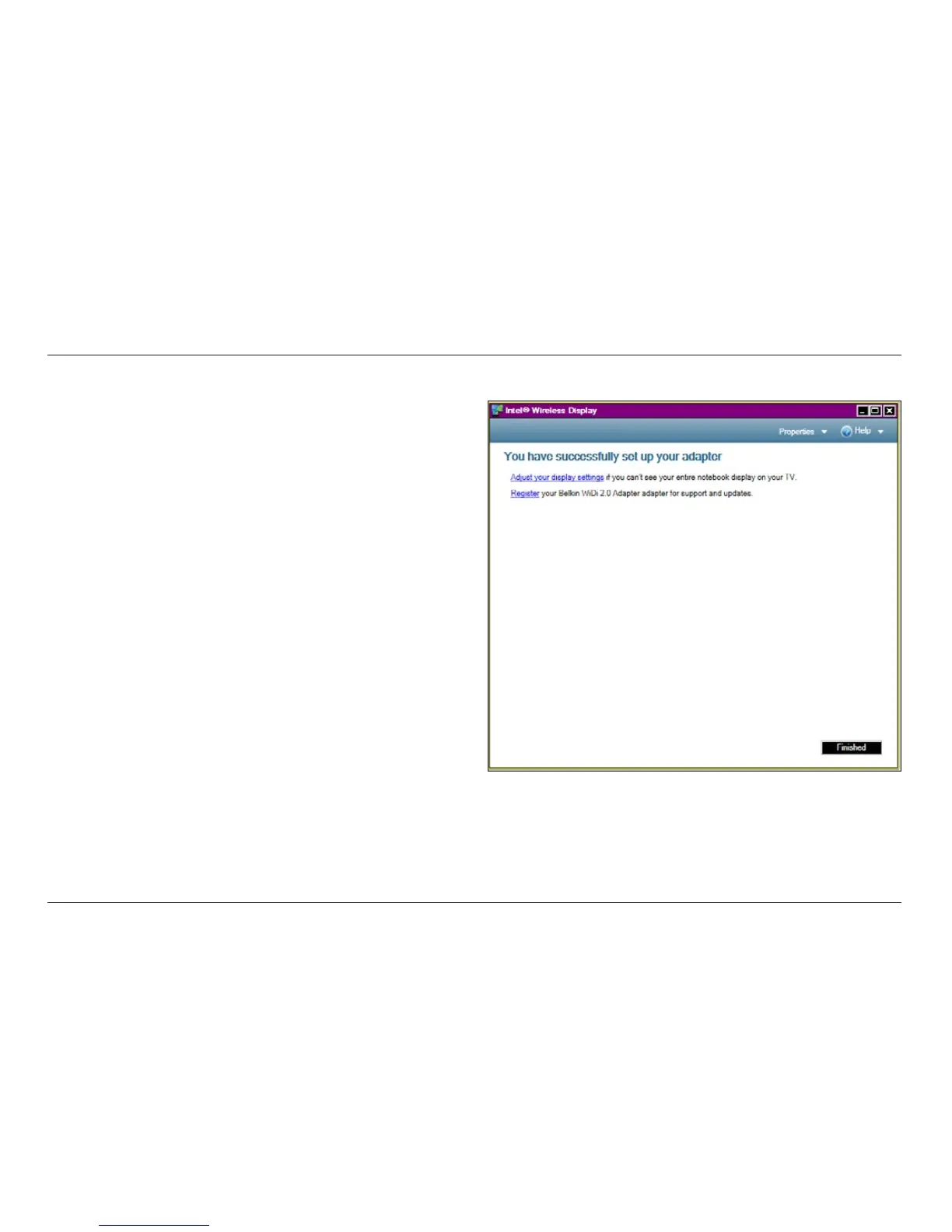
5. Next, the software will prompt you to easily configure your display
a mirror approach so that you can see the same screen on both
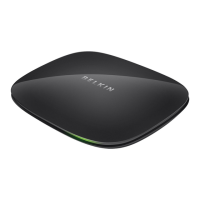
ScreenCast TV Adapter with Belkin to receive updates and support.
6. Once you have the display configured the way you want
and you’ve registered your product, click “Complete.”
You can now use your TV as a second monitor.








 To Next Page