3
What’s in the Box
Surf
+
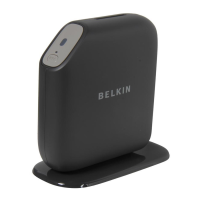
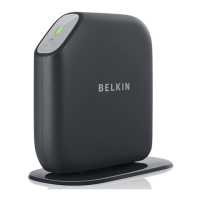
Wireless Modem-Router
ADSL cable (attached to router)
In some regions, a phone-jack adapter (microfilter) will be included.
Power supply (attached to router)
Ethernet Cable
Network information card (attached to router)
Belkin Setup CD with User Manual
Initial Setup
Where to Place Your Router
For the best results, place the Router in an open location
away from large metal objects and magnets such as those
found in speakers. Raising the Router above floor level
can improve the strength of your wireless signal.
GETTING STARTED









 To Next Page