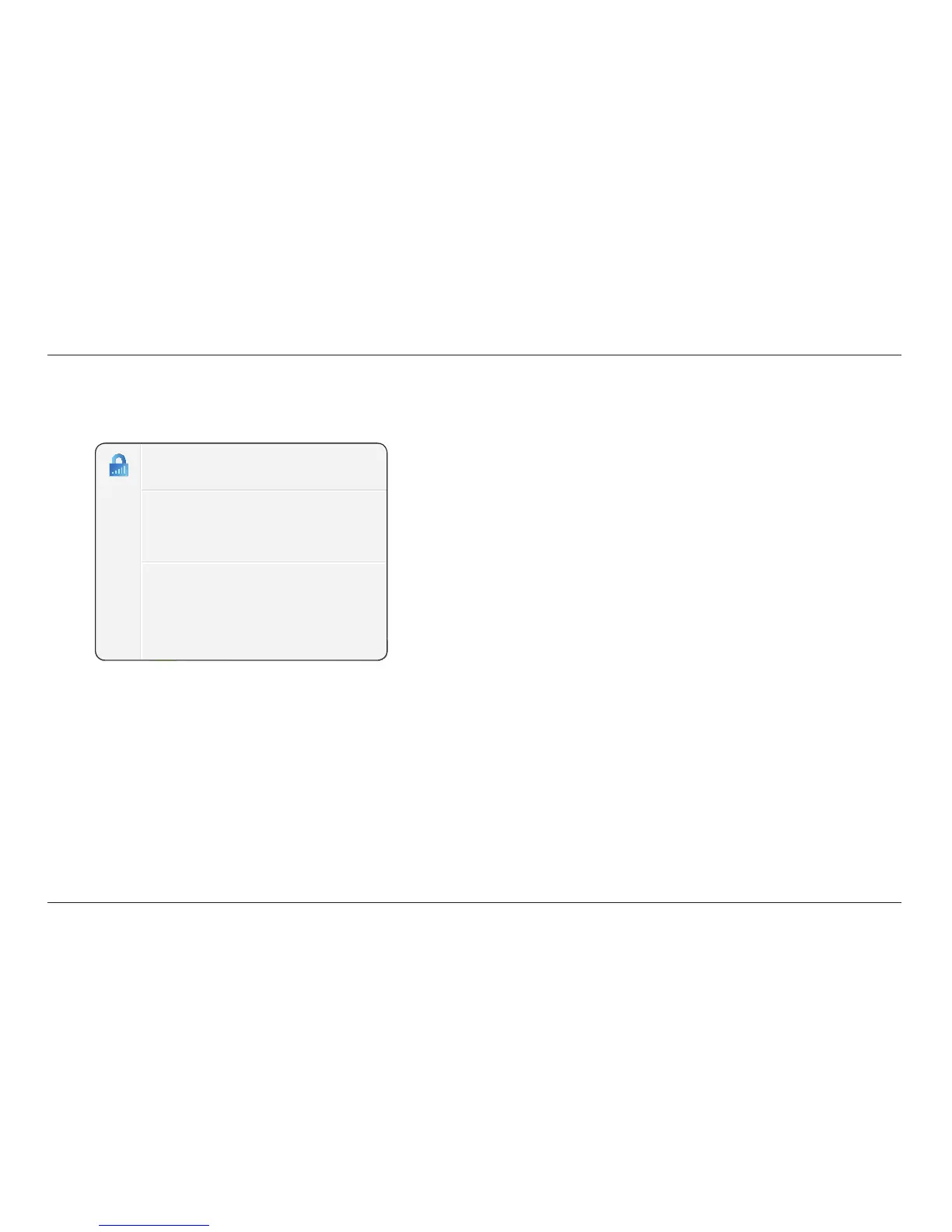
The Belkin Router Manager appears in your system tray
(Windows) or menu bar (Mac). Its icon indicates the current
status of your Router and also allows you to access your
Router’s settings to make changes. It also provides quick
access to software that came bundled with your Router.
To access the Router settings, click on the icon
and select from the menu that appears.
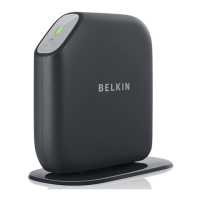
The status of your Router is shown by the Belkin Router Manager
icon, which closely mimics the light on the front of the Router.
Green: You are connected to your Belkin Router
and it is connected to the Internet.
Amber: You are connected to your Belkin Router,
but it is not connected to the Internet.









 To Next Page