TuneBase
™
FM with Hands-Free
11
SECTIONS 1 2 654Table of Contents 3
USE YOUR TUNEBASE
Find a Clear Station
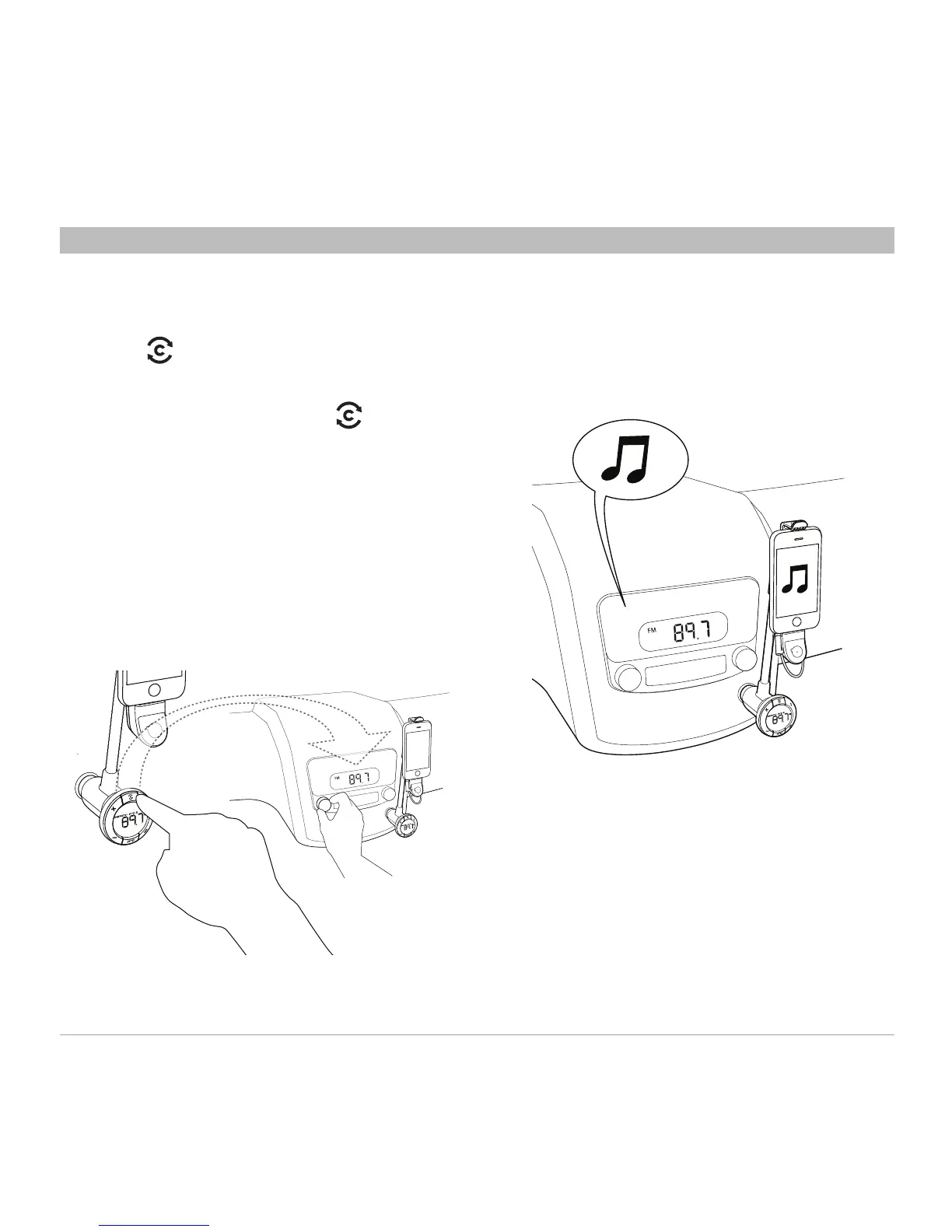
1. Press (ClearScan). The TuneBase
will search for a clear frequency.
Note: If you immediately press when
you turn on your TuneBase, it may take 30
seconds to locate the best frequency.
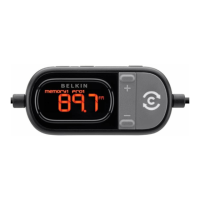
2. On the TuneBase screen, “Tune to” will
appear followed by a frequency.
3. Tune your car stereo to the frequency
shown on the TuneBase.
4. If you hear interference on the new
frequency, repeat steps 1–3 or find a
station manually (below).



 To Next Page