TuneBase
™
FM with Hands-Free
13
SECTIONS 1 2 654Table of Contents 3
USE YOUR TUNEBASE
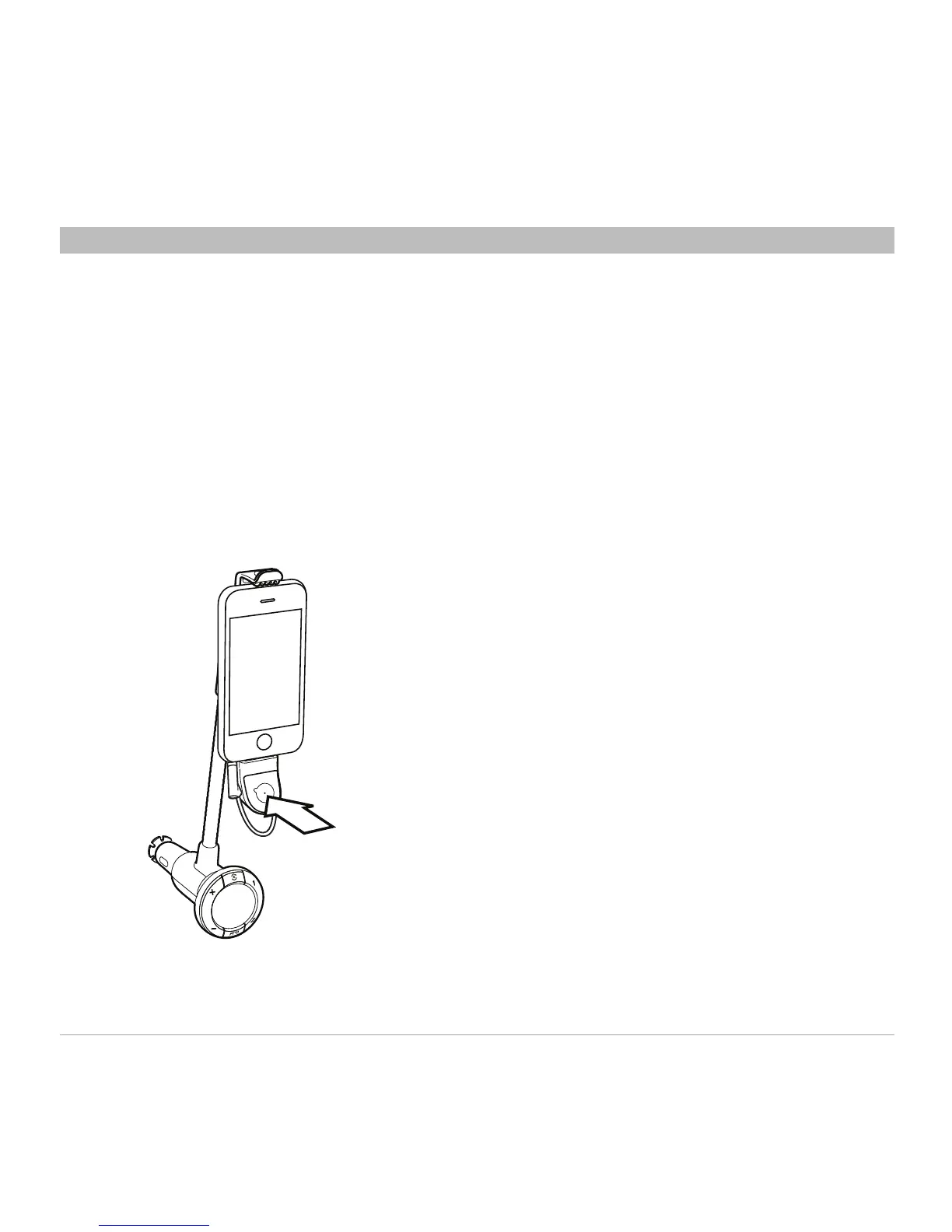
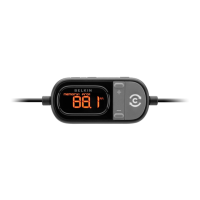
• Toplayorpausemusic,pressthe
Multifunction button once.
• Toskiptothenexttrack,pressthe
Multifunction button twice.
• Toskiptotheprevioustrack,pressthe
Multifunction button three times.
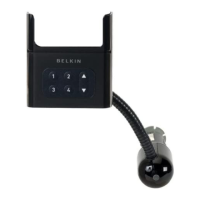
Note: Your iPod will automatically pause
when you remove it from the TuneBase. In
some cases, the iPhone/iPod will remain
on and playing if docked in the TuneBase
even if there is no power or the car keys are
removed. Be sure to undock your iPhone/
iPod completely to avoid draining the
battery when not in use.
Play Music
1. On your iPod, set the volume to
maximum. This helps to boost the signal
from the TuneBase.
2. Navigate to the track you want to play.
3. Use the Multifunction button to play and
pause music.






 To Next Page