TuneBase
™
FM with Hands-Free
18
SECTIONS 1 2 3 65Table of Contents 4
TROUBLESHOOTING
You cannot hear the other party.
Solution
• Whileonacall,setthephonevolume
on your iPhone to maximum.
• Ifnecessary,slowlyturnupthevolume
on your car stereo until you can hear the
caller’s voice.
The other party experiences an echo
when you’re talking hands-free.
Solution
• PositionyouriPhonesothatitsscreen
is facing toward you and away from your
car’s speakers.
• Whileonacall,makesurethe
phone volume on your iPhone is
set to maximum.
• Turndownyourstereovolumeuntilthey
no longer hear an echo.
Your iPod or iPhone is not charging.
Solution
• MakesureyourTuneBasehasagood
connection to your car’s power outlet.
• MakesureyouriPodisfullyseatedin
the cradle.
• Makesurethepoweroutletisreceiving
power. Some vehicles do not provide
power to the power outlet unless the
vehicle is in ignition mode or the engine
is running.
Your TuneBase and iPod are in the way of
your vehicle’s controls.
Solution
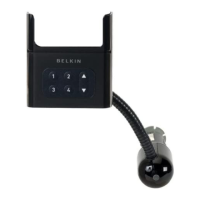
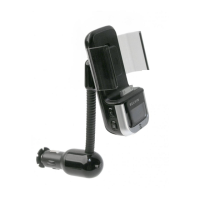
Use the flexible gooseneck and the
articulation behind the docking cradle to
position your TuneBase away from your
vehicle’s controls. Position the gooseneck in
as upright a position as possible in relation to
the power adapter.
You can quickly solve most problems with your TuneBase by following the advice in this section.




 To Next Page