EasyManua.ls Logo

Bell System 801 User Manual

Bell System 801
2 pages
To Next Page IconTo Next Page
Page #1 background imageLoading...
Page #1 background image
Flats
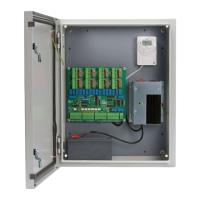
ElectricalCupboard
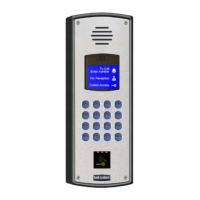
DoorPanel
First
Phone
Z
I
R
O
T
Second
Phone
Z
I
R
O
T
203,204
LockRelease
BELL-DDA
WiringforBELL-DDASystems
13:4456
-
+
CO
NO
NC
TS2000-BST
TimeClock
Bell
System
340/PS4
PowerSupply
PD-085Issue4
T
O
-
R
+
H
C
Z
DDA
Interface
PCB
2
TORHC
61
Speech
Unit
-
LOCK
Trades
Button
(optional)
+
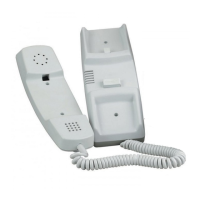
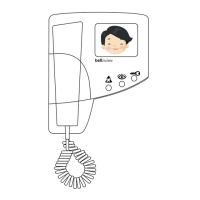
TelephoneModels:
801801S801PS
500D500PD
I
1
I
2
I
3
ToAdditionalTelephones
(Telephones)Ltd
www.bellsystem.co.uk
*
*AmodelPS4PowerSupplymustbeusedabove6way
oronsystemswithmorethan1phoneperflat/button.
B
These2Cores
1.0mmCSA
Minimum
2
Question and Answer IconNeed help?

Do you have a question about the Bell System 801 and is the answer not in the manual?

Bell System 801 Specifications

General IconGeneral
BrandBell System
Model801
CategoryIntercom System
LanguageEnglish

Summary

Wiring for BELL-DDA Systems

Door Panel and Interface

Details the Door Panel, DDA Interface PCB, Speech Unit, and optional Trades Button.

Telephone and Cupboard Connections

Outlines connections to additional telephones in flats and the electrical cupboard components.

Installation of Door Entry Systems

Important Safety Information

Covers safe installation practices, power supply requirements, and mains cable specifications.

Speech Adjustment

Explains how to adjust speech volume levels at the entrance panel and telephone.

Troubleshooting

Provides guidance for diagnosing no or insufficient speech issues.

Related product manuals