8
addiTional funcTion modes
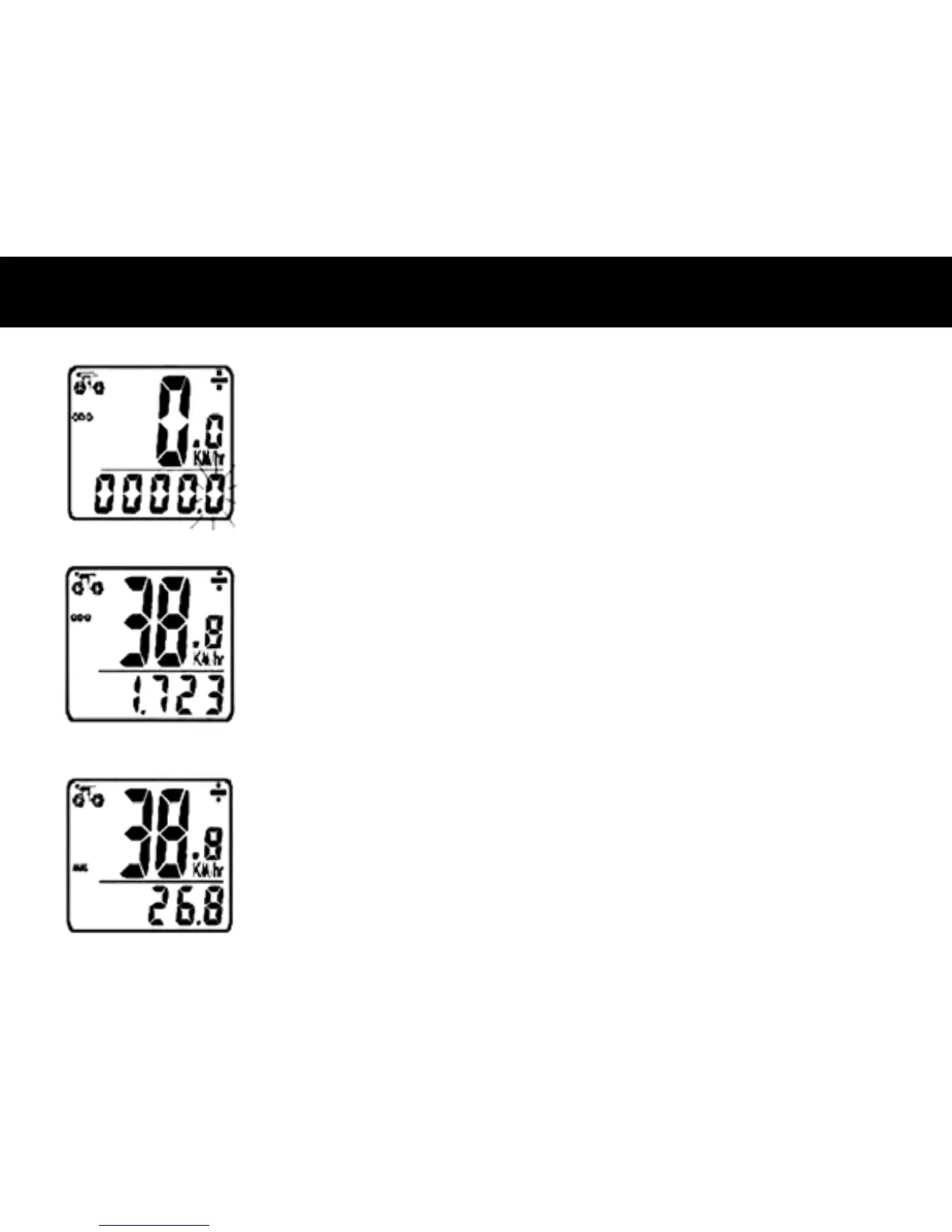
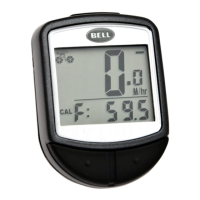
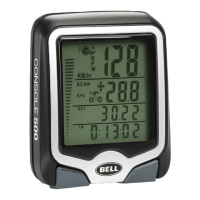
SPEEDOMETER– Instantaneous Speed is indicated on the top line. The range of
measurement is from 0 to 99 KM/hr (0 to 99 M/hr) and accuracy is ±0.5 KM/hr (M/hr).
SPEEDOMETER COMPARATOR– A "+" or "-" sign appears to the right of the
speed. "+" indicates you are traveling faster than your average speed (AVS). A "-"
indicates you are riding slower than your average speed.
SPEED TENDENCY– A cyclist symbol appears to the left of the speed. The wheel turns
forward to indicate acceleration. The wheel turns backward to indicate deceleration.
AUTO STOP/START– To preserve batteries, the cycle computer will automatically
switch off if the unit is left unused for over 5 to 6 minutes. Display will reappear with a
press on either button or input from the sensor.



 To Next Page