5
E F G
Item Description Explanation
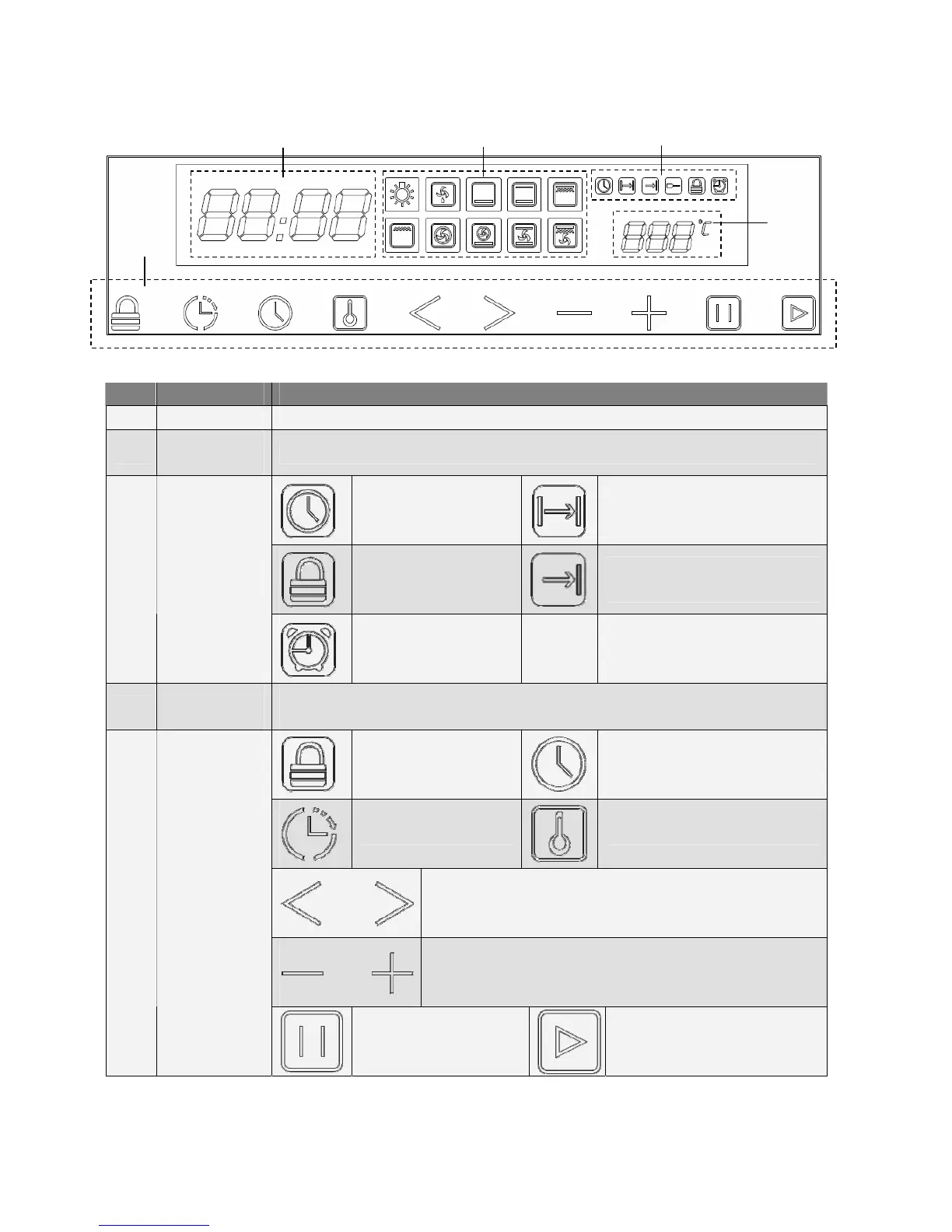
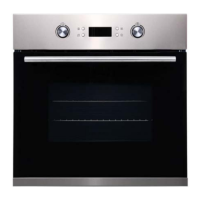
E Clock display It shows 24 hour clock when time has been set up.
F
Function choice
indicator light
It indicates which function is chosen. See page 9 for details of each function.
O’clock
Cooking duration function
indicator light
Child lock
Cooking delay start function
indicator light
G
Operation
indicator light
Timer
H
Temperature
display
It shows setting temperature. It is flashing if actual temperature inside oven still not
reach setting, stop flashing and a beep will sound when setting is achieved.
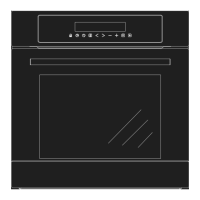
Child lock key Clock setting or timer checking key
Timer setting key Temperature setting key
Function choose key
Time or temperature + or -
I
Touch control
keys
Pause or Cancel. Press
once to pause, twice to
cancel cooking.
Confirm to start cooking
H
I


 To Next Page