Work With Timer
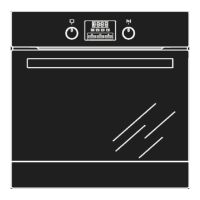
Timer function enables you to set the oven start cooking at desired time and duration.
O’clock setting – You need to set up current O’clock time before timer or minute minder function.
1. When the first time oven connects to power supplier, LED display shows “0:00”, a beep will be sounded
and oven enters into standby mode.
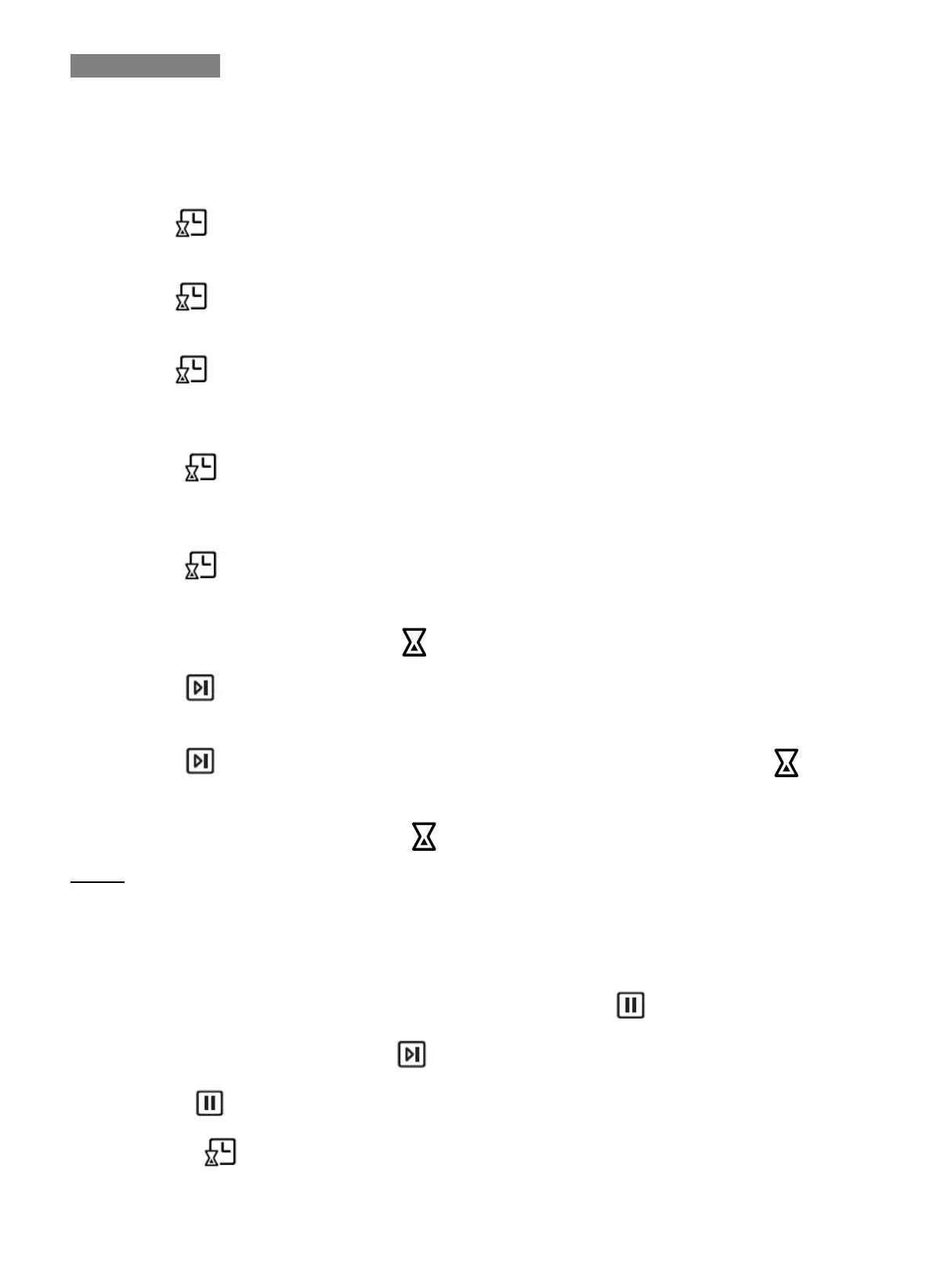
2. Press enter into O’clock setting. Hour segment flash and waiting for adjustment, minute stay on.
3. Rotate K2 knob to adjust hour. Hour segment ranged from 0-23.
4. Press again to confirm hour setting. Now hour segement stay on but minute start flashing.
5. Rotate K2 knob to adjust minute. Minute segment ranged from 0-59.
6. Press to final confirm O’clock setting.
Timer – you can set timer to switch oven on and off at a specific time during the day.
1. Press enter into cooking start time setting. Hour segment flash and waiting for adjustment,
minute stay on.
2. Rotate K2 knob to adjust hour. Hour segment ranged from 0-23.
3. Press again to confirm hour setting. Now hour segment stay on but minute start flashing.
4. Rotate K2 knob to adjust minute. Minute segment ranged from 0-59.
5. Rotate K1 to choose desired function, will be on LED display to tell in timer setting program.
6. Press to confirm.
7. Rotate K1 to select desired cooking duration and K2 to adjust cooking temperature.
8. Press to finish timer setting. System start calculating, LED display returns to O’clock, icon
stays on, oven starts cooking when defined cooking start time reaches and stop cooking when cooking
duration end up(A beep will sound and will be off)
Notes:
If you skip above step 7, then system will start working under default cooking duration(9 hours) and default
cooking temperature(according to each function).
To Check or Canceling Settings
1. During program is running, anytime you want to check settings, press once, LED display will tell
defined time and temperature, press will return to timer program.
2. If press twice, timer setting will be cancelled.
3. Or press to check cooking start time. LED display back to O’clock after 3 seconds no operation.
GSM Sales Pty Ltd ABN: 53 007 582 475
For Warranty and technical queries: 1300 373 199 Aust OR 0508123108 NZ www.belliniappliances.com.au
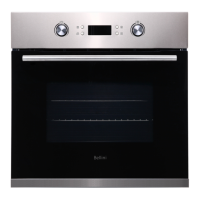
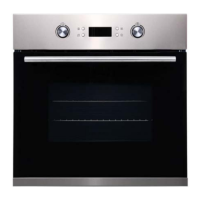
Model: BOM609CX FINELINE:5103646 Aus Only 60Cm Electric Oven INCLUDED IN BUILDERS PACKS


 To Next Page