Start using your appliance
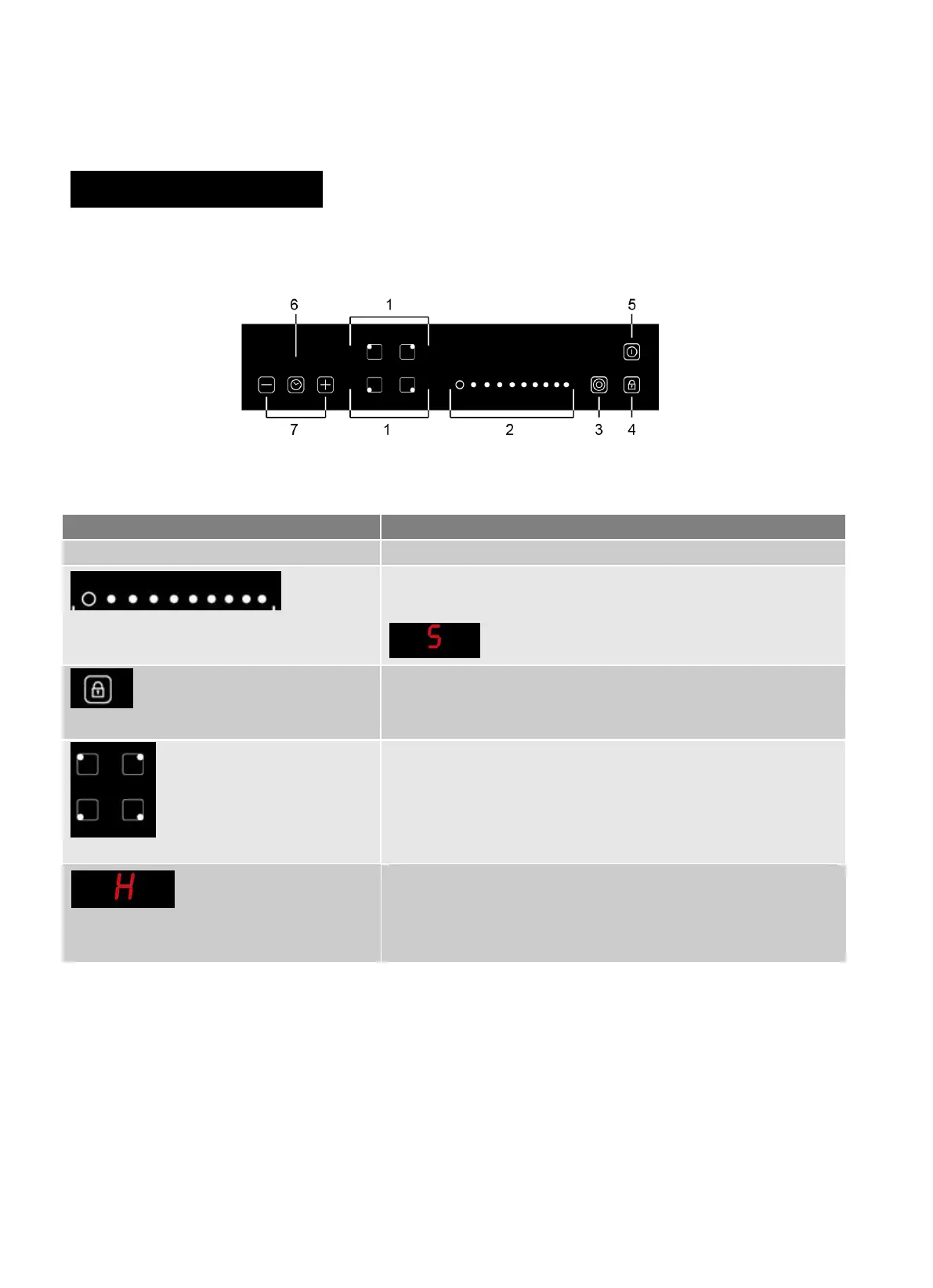
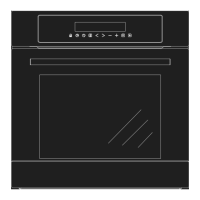
Control to Increase/decrease power
Power setting of the zones, from 1 to 9, for example, this display
shows power selected at level 5
Touch it to lock keys(display shows “Lo”) and press and hold for
a while to unlock. When it is activated, none of the other buttons
can be activated except for On/Off.
Turn on/off the corresponding zone. You will see “-” display
above power setting when turn on the appliance then you can
use +/- to adjust its power level.
An H lights up on the power display to indicate that a particular
zone is very hot and should not be touched. It may remain on up
to approximately 30 minutes. Depending on the power setting
selected.


 To Next Page