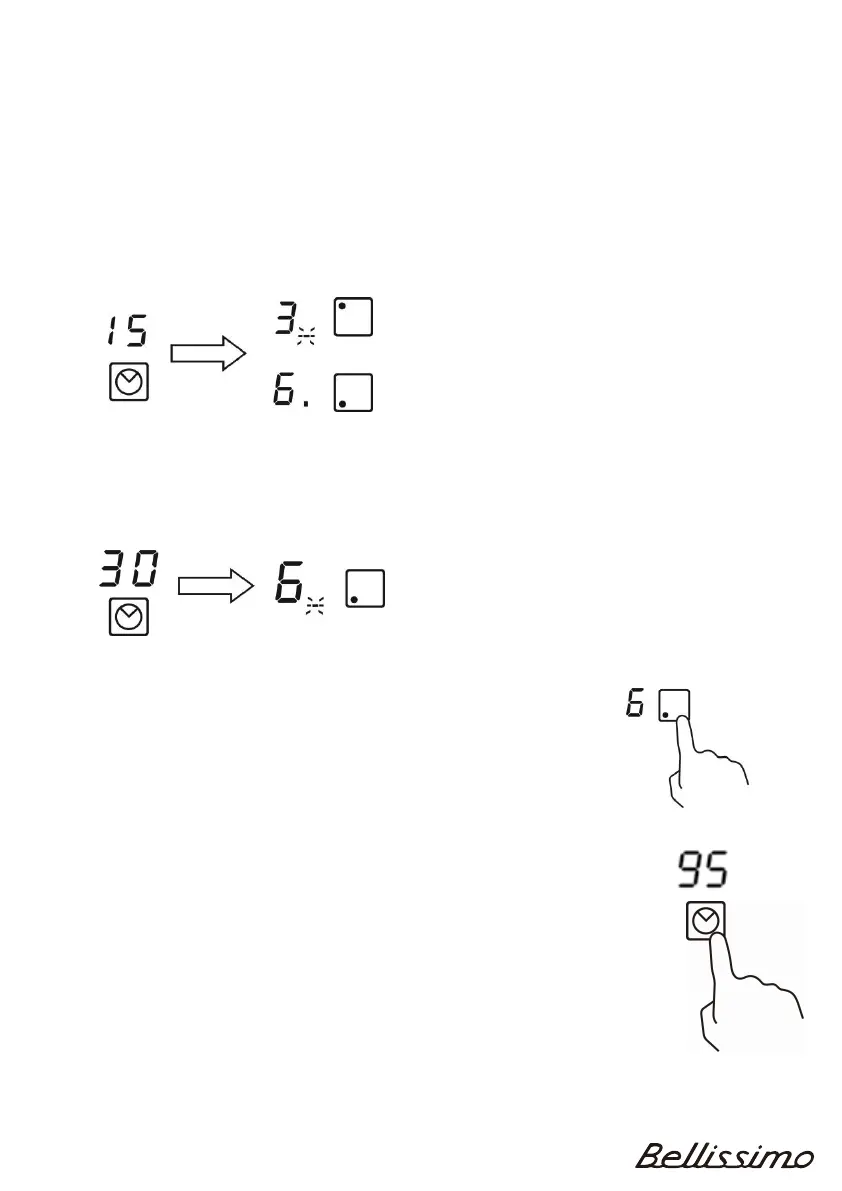
15
If the timer is set on more than one zone:
1. When you set the timer for several cooking zones, red dots of the relevant cooking
zones are indicated. The timer display shows the remaining time. The dot for the
corresponding zone blinks
.
Note: You can check the remaining time for the other zones by touching the
corresponding heating zone selection key.
(
set to 15 minutes)
(set to 45 minutes)
2
. Once the set time expires, the corresponding zone will switch off. Then it wi
ll
show the remaining time for the other heating zone and the dot for that zone will
b
link
.
Cancelled the timer
1. Touch the heating zone selection key for the timer that you
wish to cancel.
2. T
ouch the timer key, the first indicator will flash (e.g. “5”)
3. T
ouch the “-“ key to set the timer to“90”
4. T
ouch the timer key again, the second indicator will flash (e.g. “9”)
5. T
ouch the “-” key to set the timer to“00”
The timer is now cancelled.
N
ote: Turning off the heating zone or hob will also cancel the timer.



 To Next Page