8
Recording Video
• Once the camcorder is powered on, it will default to VIDEO mode. To begin recording video, press the [RECORD] button.
• Once recording begins, you may press the [OK] button to pause recording. Once paused, pressing the [OK] button again will resume recording.
• Pressing the [RECORD] button during a recording will stop the recording.
• To shoot a quick photo while recording a video, press [PHOTO] button. Please refer to page 7 for more detail.
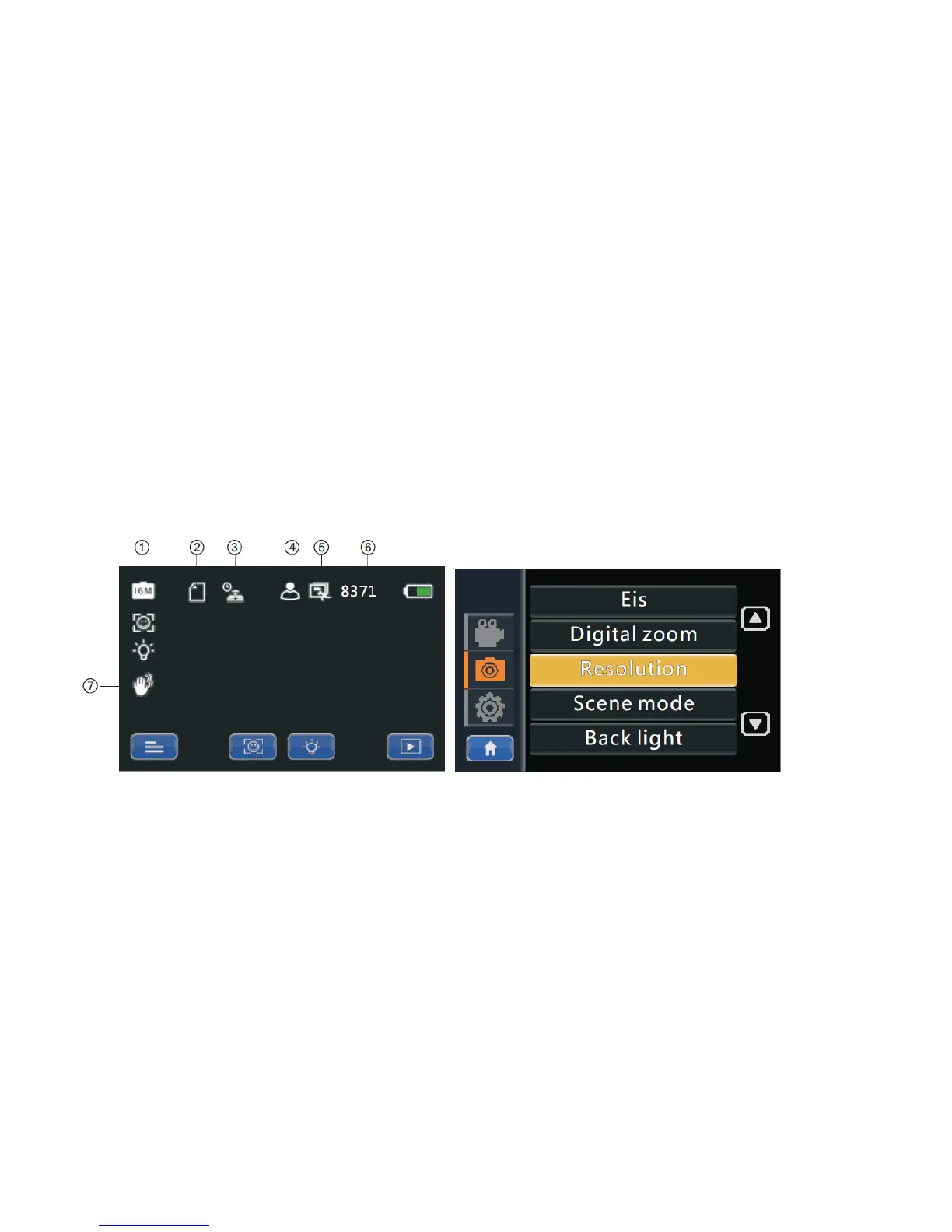
Photo Mode and On-Screen Icon Explanations


 To Next Page