6
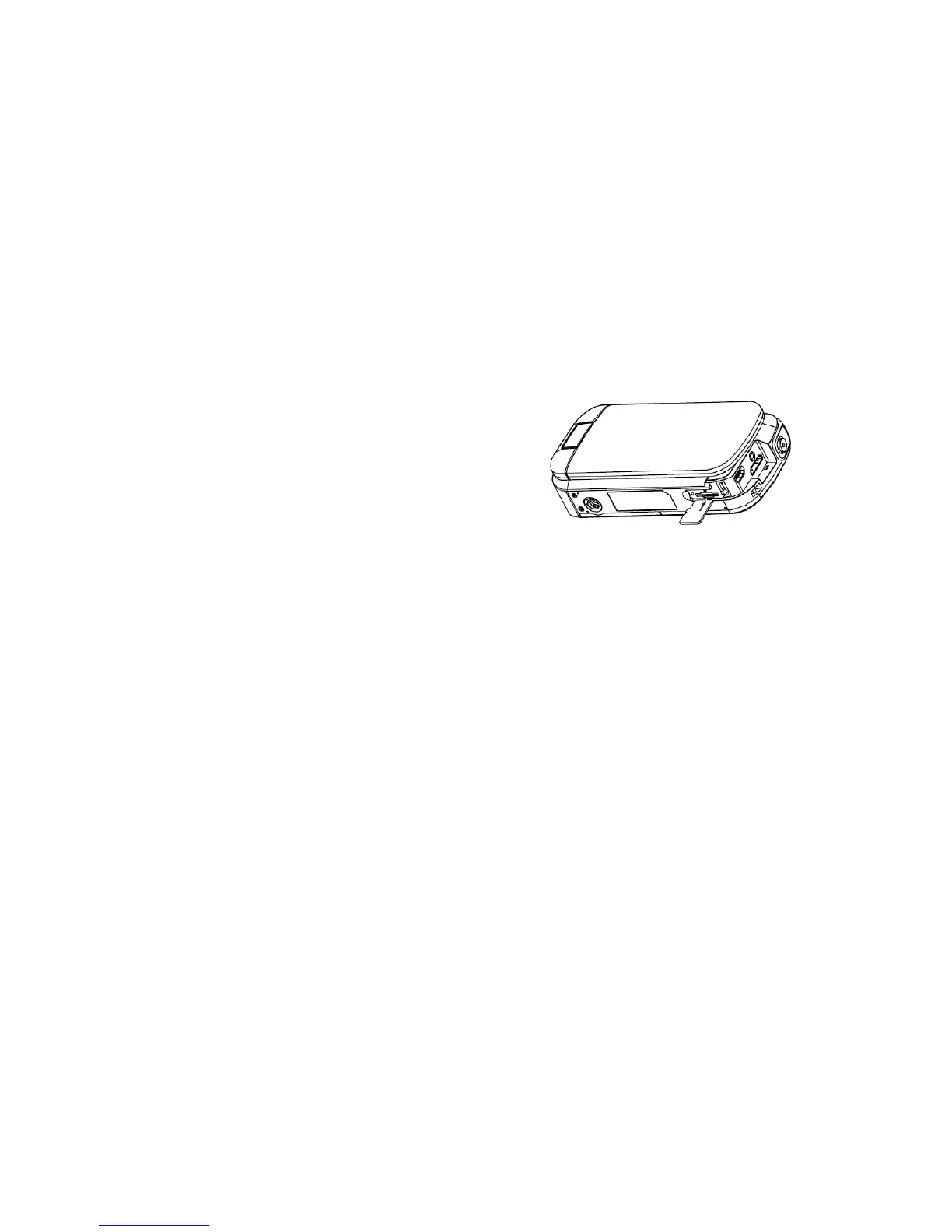
MicroSDHC Memory Card Installation
1. Power the camcorder off.
2. Remove the battery compartment cover.
3. Insert the MicroSD card as shown in the illustration.
4. Replace the battery compartment cover.
Note: It is recommended to use a MicroSD memory card above class 4.
Powering On and Off
• Opening the LCD screen cover will power the camcorder on automatically.
• Closing the LCD screen cover will power off the camcorder automatically.
• Once the LCD screen cover is open, you may press the [POWER] key to power the camcorder on or off.
MicroSDHC Memory Card Installation
1) Power the camcorder on.
2) Press the [MODE] button to cycle between video and photo modes.
3) Press the [i] button to cycle between smart and normal modes.
Note: Smart mode automatically sets all parameters for the best and optimal image/video. Menu functions are disabled when smart mode is enabled.


 To Next Page