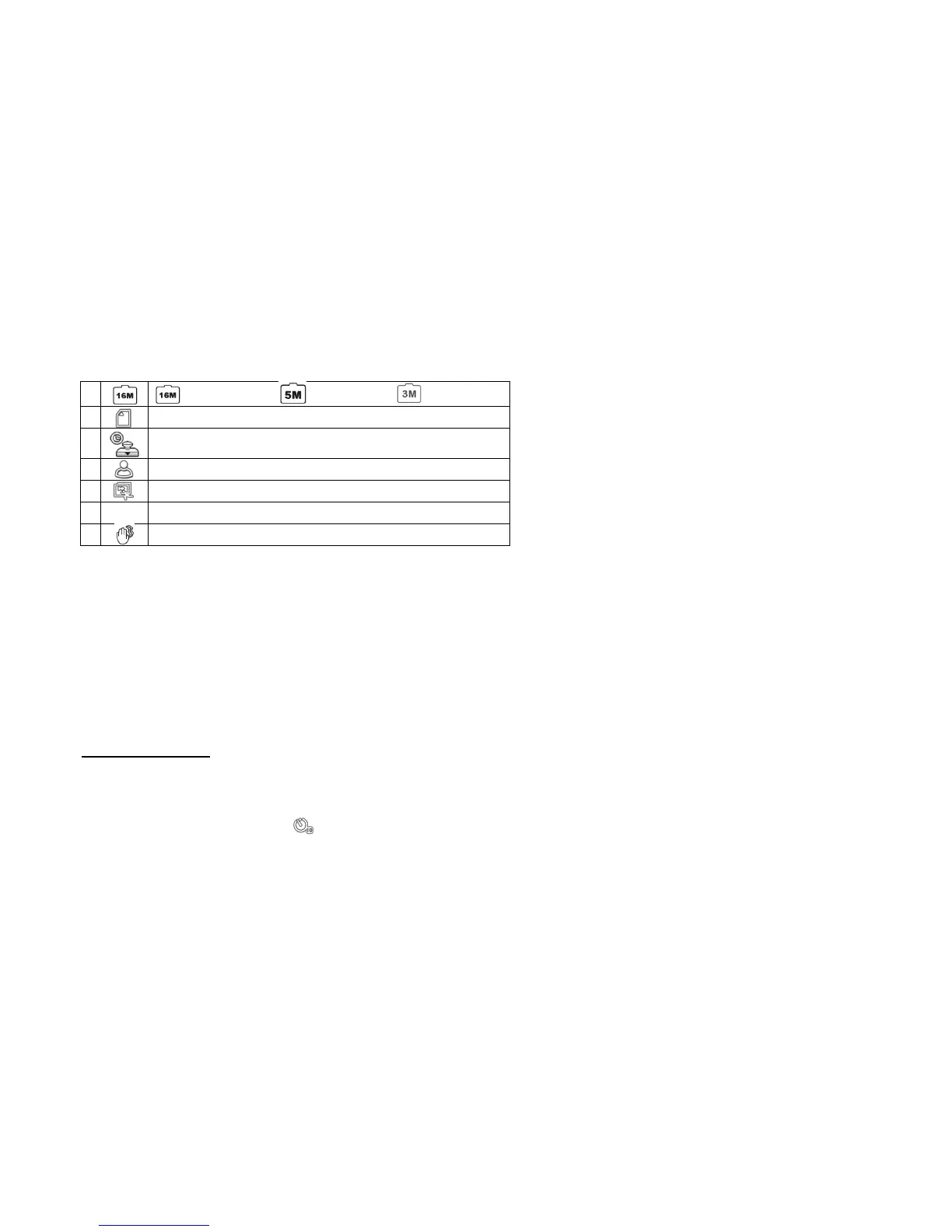
Shooting Photographs
• While in VIDEO mode, press the Press the [MODE] button to cycle to the PHOTO mode.
• Once in PHOTO mode, half-press the [PHOTO] button while the camcorder focuses on the intended subject.
• Once the camcorder's view is in focus, the on-screen focus frame will shift to green. Once the focus frame shifts to green, you may now fully press the
[PHOTO] button to shoot a photograph.
Fun Photos
A. TIMED SHOOTING
There are 3 different timed shooting modes available.
• In camera mode, press the [LEFT] key to enable single shot mode (default shooting).
• Press the [LEFT] key again, and the [ ] icon appears on-screen. Once this mode is enabled, press the [camera] key, and the camcorder will


 To Next Page