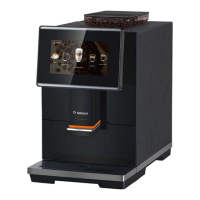
Bellucci Slim Caffè Automatic Coffee Machine
Instruction Manual
Page 7 of 17
C. Daily Operation
I. MAKING YOUR COFFEE
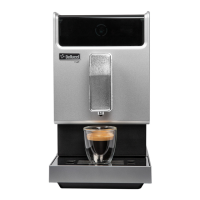
1. Switch on the appliance by pressing the power on/off button and make sure the drip tray is under the
coffee spout and the water tank is filled with water inside. The appliance will perform auto-rinsing for a
small cup of water, you can stop it by pressing Hot Water Button.
2. The appliance is then in the standby condition.
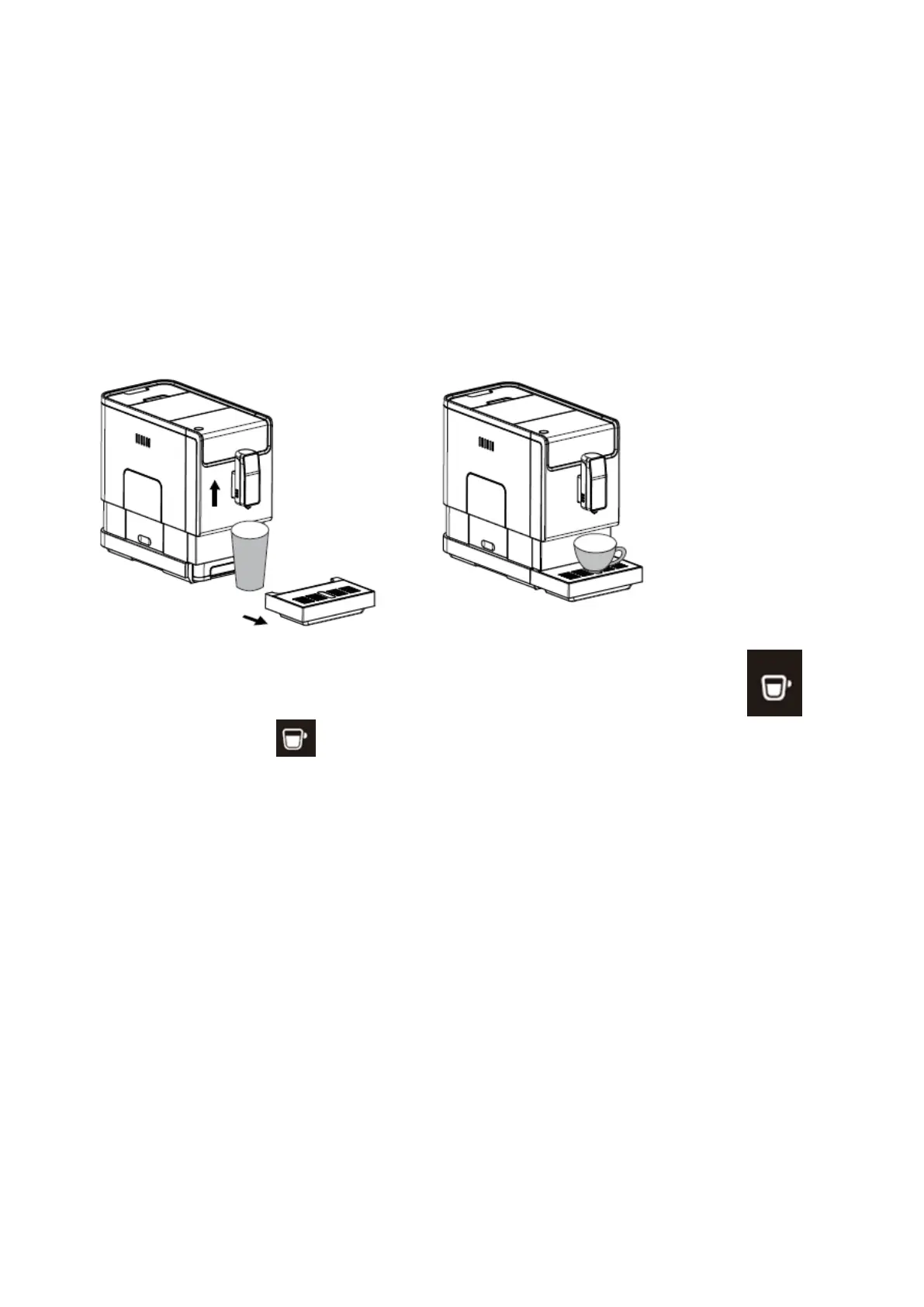
3. Place a cup under the coffee spout and adjust the height of the spout the fit the cup. Depending on the
size of the cup (too tall or too wide) you can remove the drip tray or adjust the position of the drip tray as
below:
4. Depending on the taste of coffee you would like to have, press strong coffee button
or mild coffee button .
5. The coffee button being pressed will light up, brewing coffee indicator and illumination under
spout will lights up indicate that the appliance is preparing the cup of coffee. You can stop
dispersing coffee by pressing the button again
6. When the appliance is back to standby condition, the coffee is ready to serve.
Tip1: the strong coffee button with higher coffee intensity which recommend for espresso,
while both coffee button volumes can be adjusted (see page 12 section D further setting)
Tip2: The auto rinsing will not activate if the appliance was just switch off for a short moment.
You can deactivate this function by following the steps and activate this function by same way.
Step1) remove the service door
Step2) press On/Off button until you a hear a bip.
Note: Press the hot water button (see page 9 section IV) to clean inner pars of the coffee maker
before first use.


 To Next Page