5. When the installation is completed, configure the following settings to use
multiple monitors.
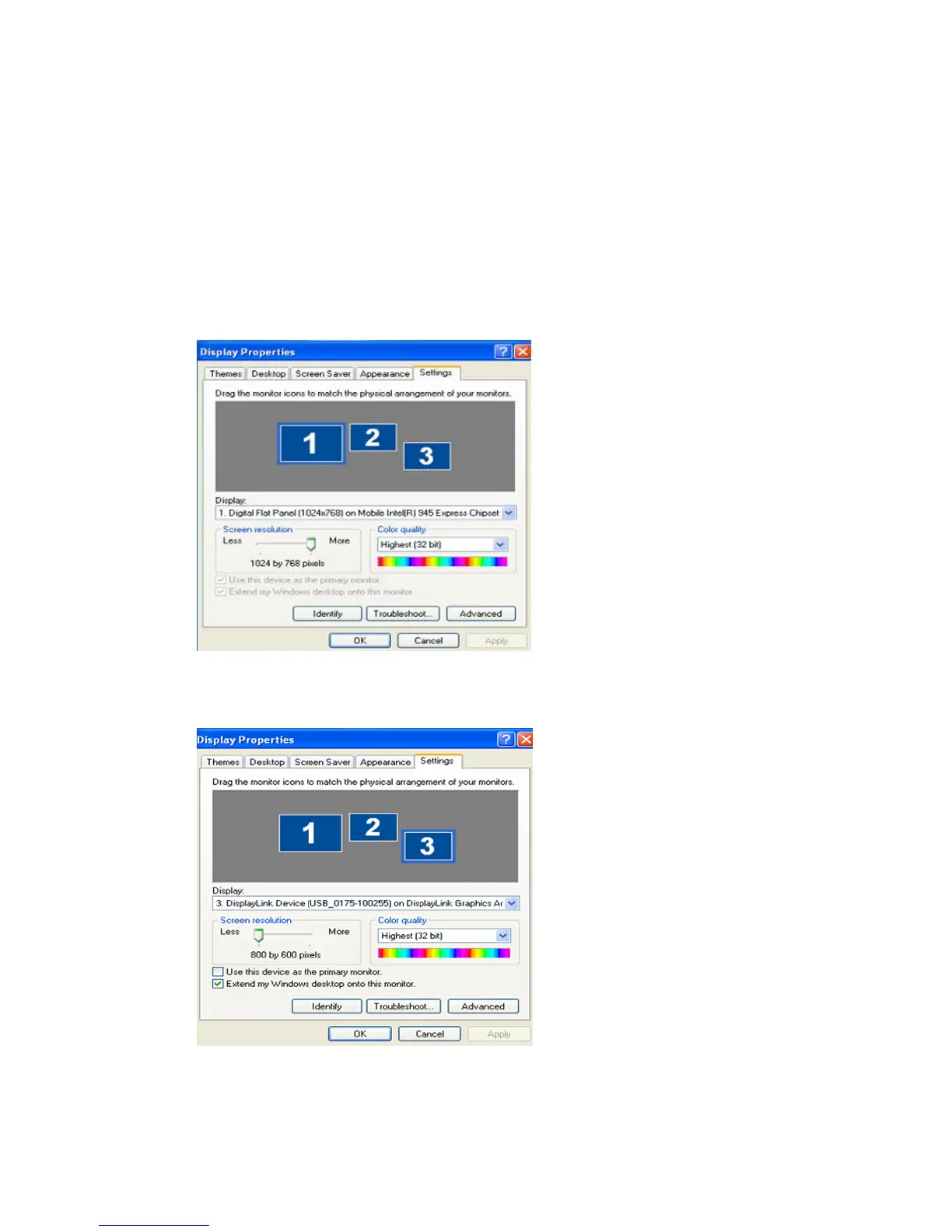
a. Right-click on the “Windows Desktop” and select “Properties” from the
displayed menu. The “Display Properties” window appears.
b. Select the “Settings” tab. A list of connected USB monitors is displayed.
c. Arrange the monitors displayed in the 'Display Properties' window in the order
they are actually used.
d. Then click "OK" button.



 To Next Page