40
6Intensity Mode
0 2 4 6 8
START
10
8
6
4
2
0
min
B.BODY
A1 08:00 20 : 10
PLUSBACK
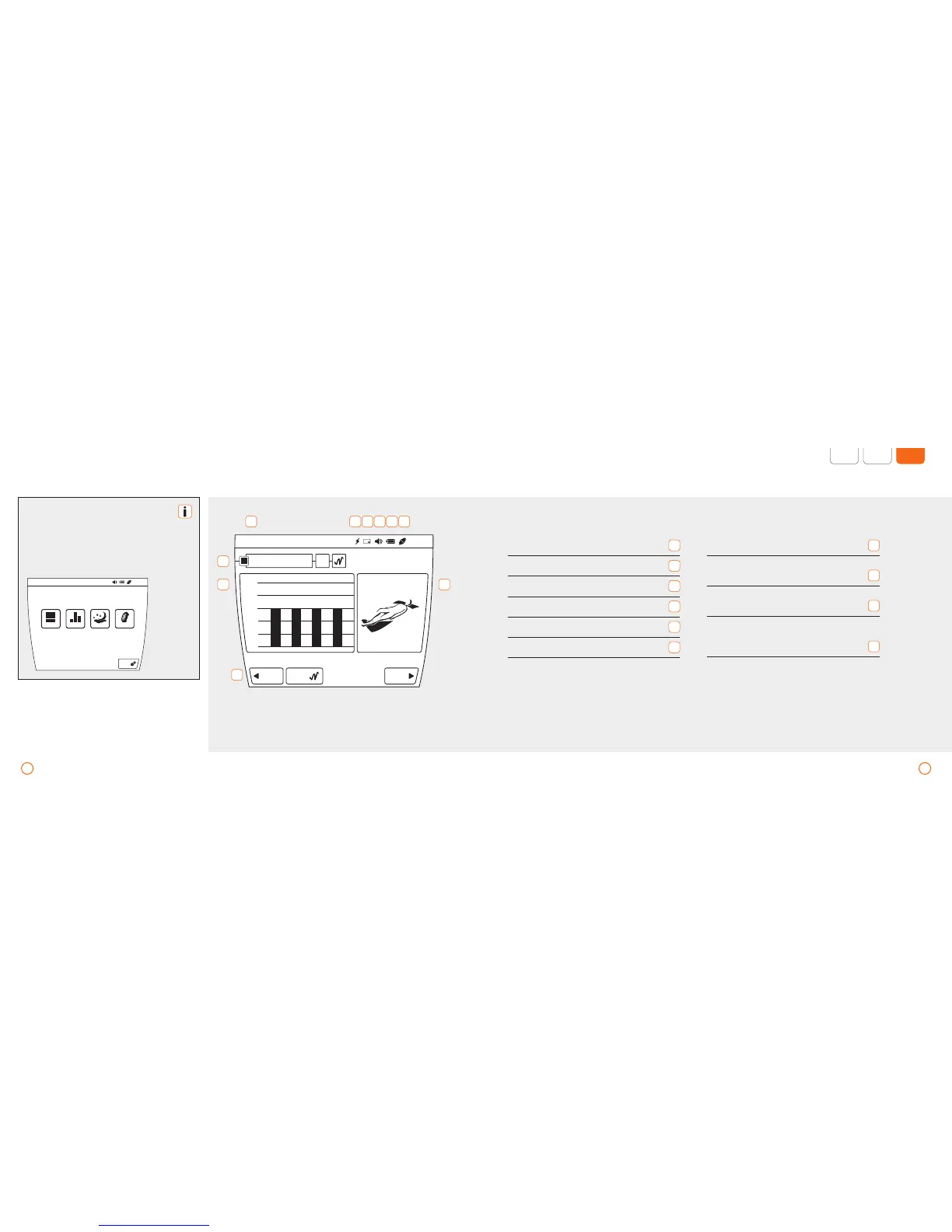
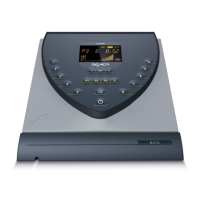
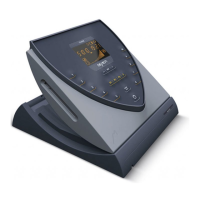
Display – B.BOX Professional
Wait several seconds after turning on
the device unit until it is ready for op-
eration (see display below).
From the main window, you can access
the individual menu items by pressing
the various buttons.
SET
PROGRAM LIGHTSPECIALINTENSITY
A1 20 : 10
1 2 3 4 5 6
7
8
10
9
Applicators (display the remaining
time of the ongoing application)
1
Power save (default activated)
2
Memory card (if inserted)
3
Volume (in current setting)
4
Rechargeable battery (state of charge)
5
Power supply operation (if connected)
6
Displays the active mode (the intensity
and status of the plus Signals)
7
Application window (displays the application
progress incl. level and period of time)
8
Applicator window (displays the connected
applicator module on the chosen port)
9
User and navigation lines (contain important
operating elements, e. g. plus button or
[START/STOP])
10



 To Next Page