53
52
Updates
BEMER products are a secure investment and are therefore de-
signed to transfer product advancements with the corresponding
updates to the B.BOX through the communication or mainte-
nance interface. Because different approaches are possible, you
will receive exact instructions for proceeding with any updates
along with the delivery.
Activate/deactivate Power Save mode
(default activated)
•
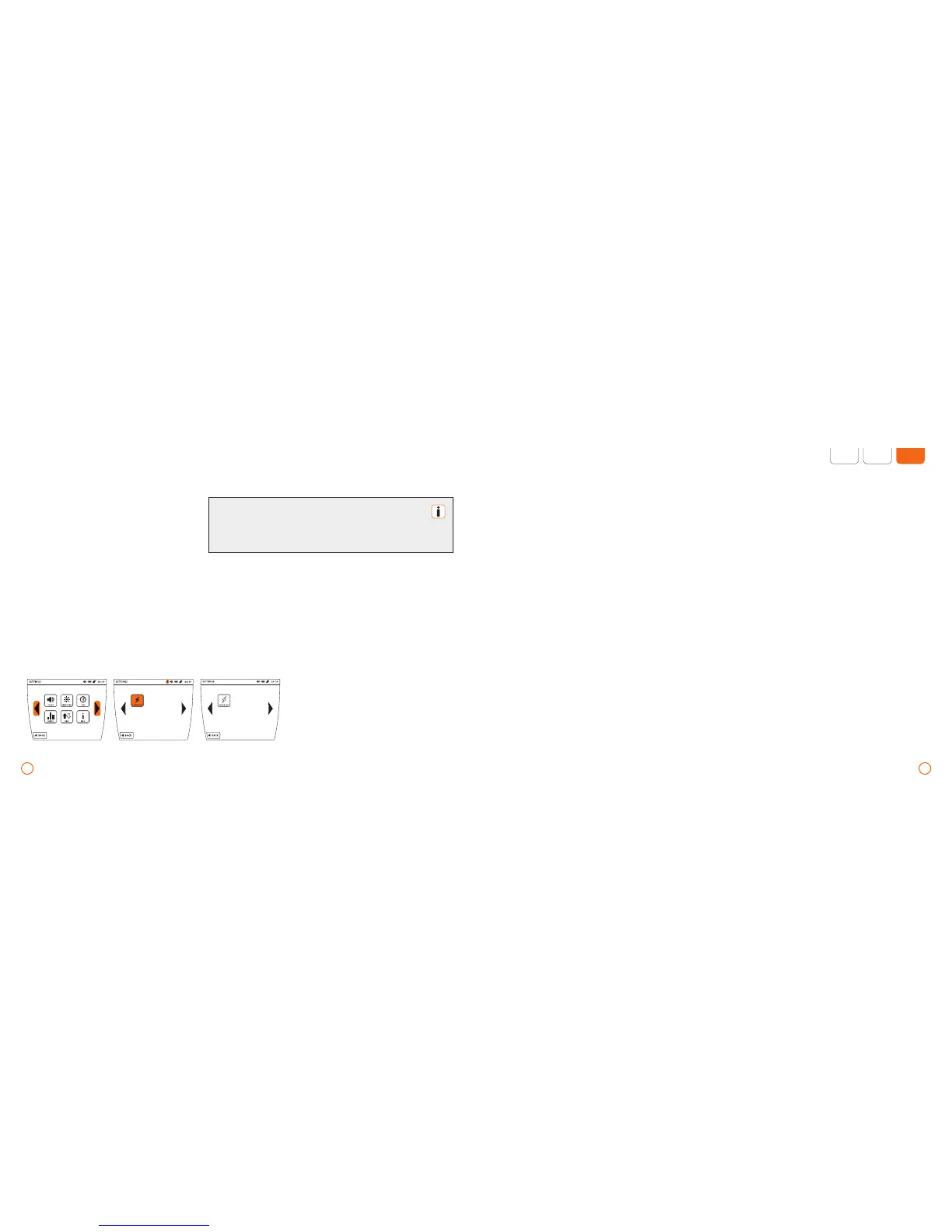
Press the [SET] button.
•
Scroll through by using the arrow keys.
•
Activate/deactivate the Power Save mode
by pressing the [POWER SAVE] button.
Example: Setting the Power Save mode
The Power Save mode influences the stand-by characteristics of
your machine. If it is deactivated, the machine will turn itself off
after approx. one hour of inactivity (switch-off time 2 minutes).
Attention: This also applies when battery operated.



 To Next Page