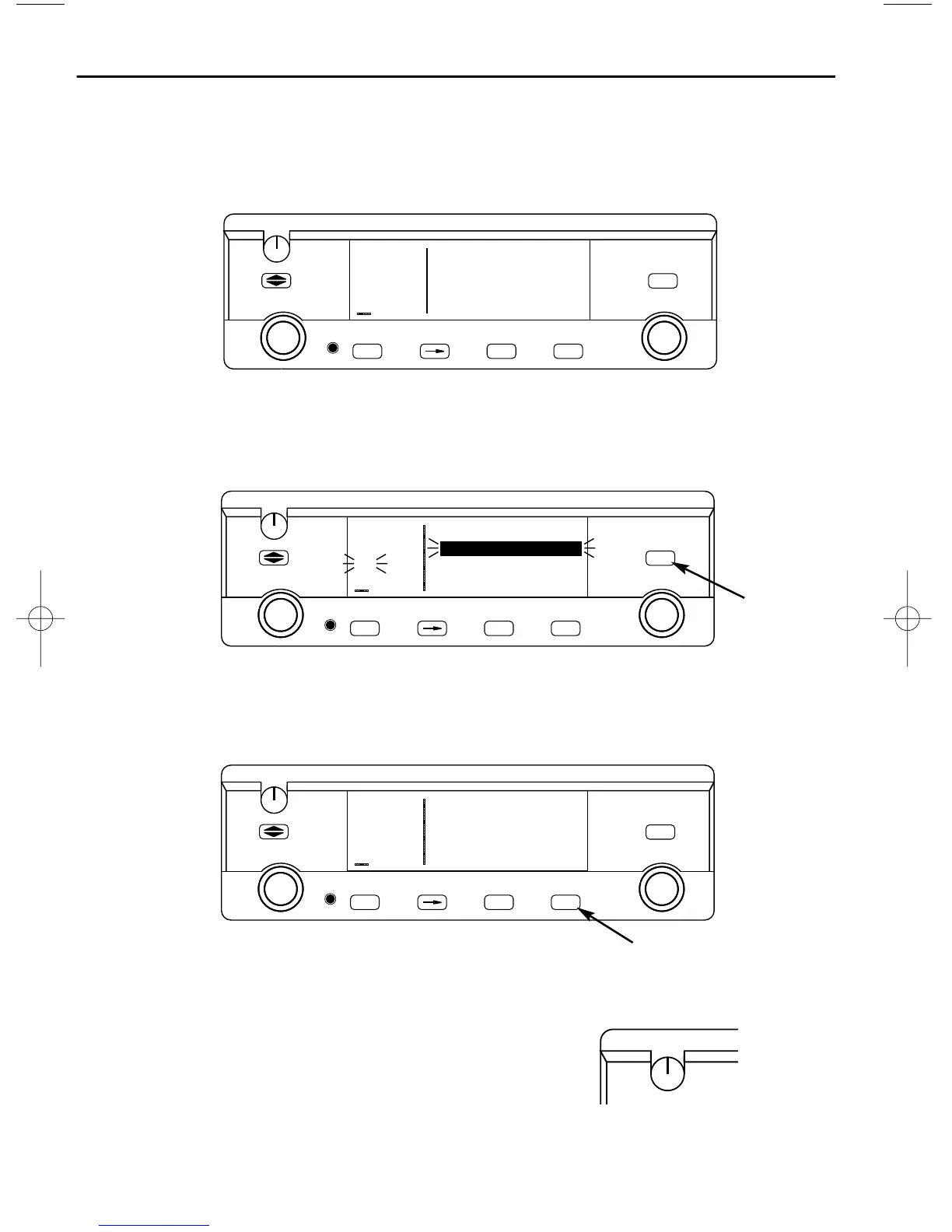
How to QuickTune™ a COMM frequency from the data base:
1. Locate the Airport (APT ) pages for the facility you desire to communi-
cate with. The APT 4 page displays the frequency type (TWR = Tower
Freq, GRND = Ground Control, etc.) and frequency.
2. Press the
B
button to turn the cursor on and use the right outer knob
to scan through all the airport’s frequencies. There may be more fre-
quencies than can be displayed at one time.
3. When you have the cursor over the desired frequency, press
F
and that frequency will become the standby frequency in the COMM
transceiver.
To adjust the volume by overriding the automatic squelch:
1. Pull out on the small knob in the upper left cor-
ner of the KLX 135. This will either allow you
to receive a distant, weak signal or give you a
noise reference by which to adjust the volume.
2. Push the volume knob back in for normal squelch operation.



 To Next Page