12
3. Place back the battery cover onto the meter.
2.2 Set the Year/Month/Day/Hour/Minute
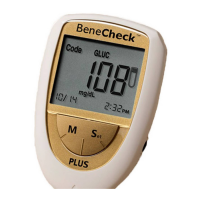
Press and hold the “Set” button for over two seconds, the meter will sound one
beep and enter the setting mode. Please follow the directions below to set the
meter.
Under the setup mode, the LCD screen of the meter shows all setting items start
from a blinking year “200X” and the rest setting items are listed as follows:


 To Next Page