14
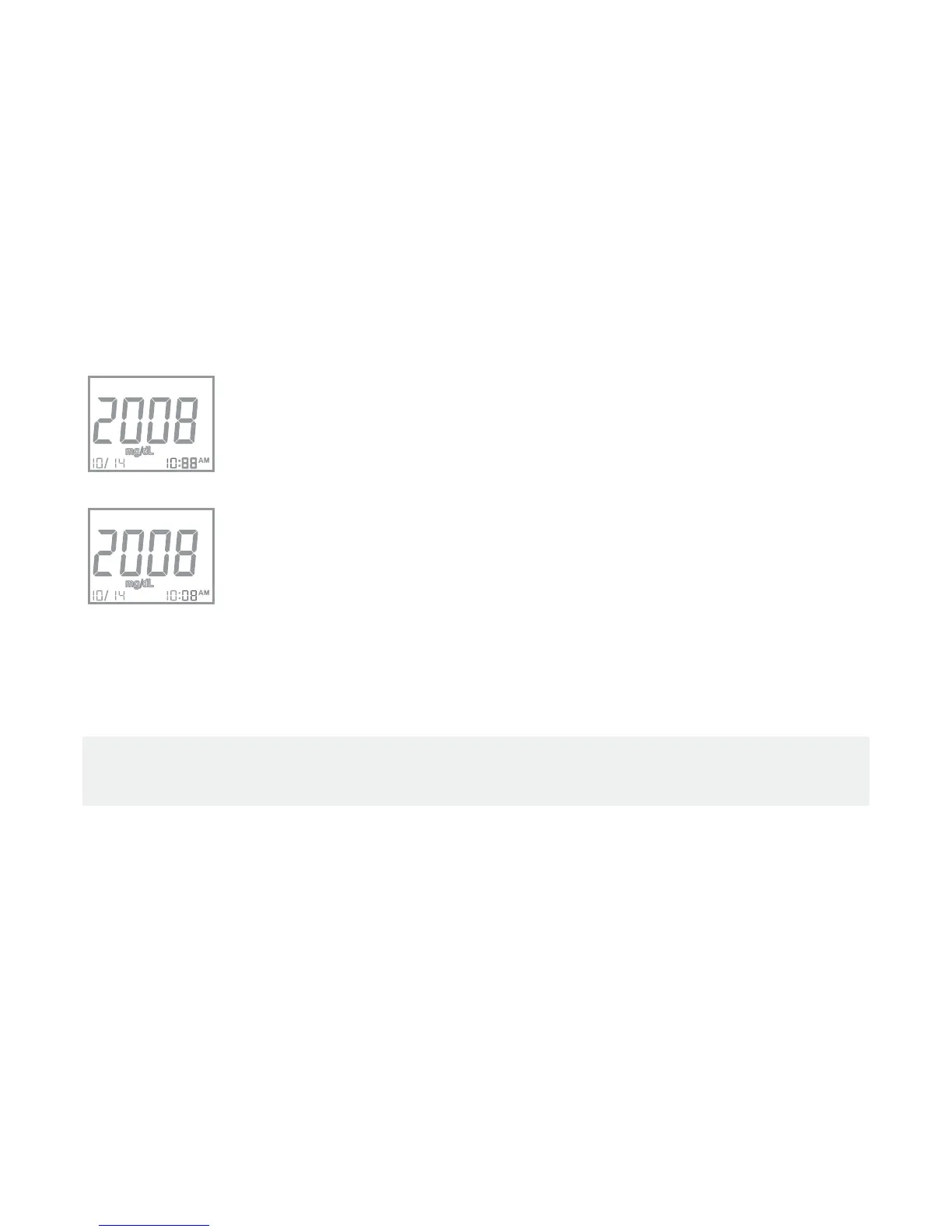
Set the Hour
1.
Click left “M” button until the correct hour appears.
2.
Click the right “Set” button, and the minute segment will start
blinking.
Set the Minute
1.
Click left “M” button until the correct minute appears.
2. Click the right “Set” button then measurement unit segment starts
blinking.
After you nish setting the meter, press the right “Set” button, and the the meter
will show “OFF” on the screen and power-off.
Note :
Please refer to Chapter 5 for the measurement units setting procedure.


 To Next Page