23
1.
In order to keep the test strips in dry preservation, please
put the lid immediately on the vial after you take test strip
out.
2.
Fully insert the contact bar of the test strip into the test port
of the meter. The meter will turn on automatically with test
mode display and code number appear on the Screen.
3.
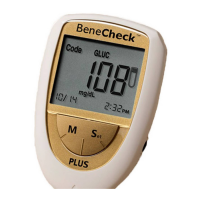
Check the test mode and code number on the screen are
the same as the one on the test strip vial. Icon “GLUC”, “UA”
and “CHOL” indicate measuring mode of glucose, uric acid
and total cholesterol respectively. If not, remove the test
strip and recoding the meter is necessary as described in
Section2.3.


 To Next Page