30
4.
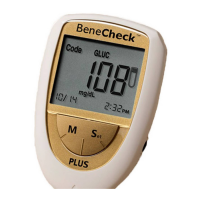
Followed by 14, 21 and 28-day average when press the left “M” button
repeatedly.
5.
After the 28day-average, the latest stored result M01 appears on the screen.
The memory number increases progressively each time the button is pressed
untill M360.
6.
Press the left “M” button for over 3 seconds and the meter will turn off after
a long “beep” sound. Meter will also automatically shut down after 3 minutes
without any operation.
Note :
●
If 360 test results are already stored and a new one is added, the oldest test
result is automatically overwrited. The newest result will be shown in M01.


 To Next Page