26
Level 1 Cosmetic / Appearance / Alignment Service
Visual Inspection & Cleaning
Cleaning. Always unplug your monitor from the wall outlet before cleaning. Clean the LCD monitor surface with a
lint-free, non-abrasive cloth. Avoid using any liquid, aerosol or glass cleaners.
Slots and openings on the back or top of the cabinet are for ventilation. They must not be blocked or covered.
Your monitor should never be placed near or over a radiator or heat source, or in a built-in installation unless
proper ventilation is provided.
Never push objects or spill liquid of any kind into this product.
Software/Firmware Upgrade Process
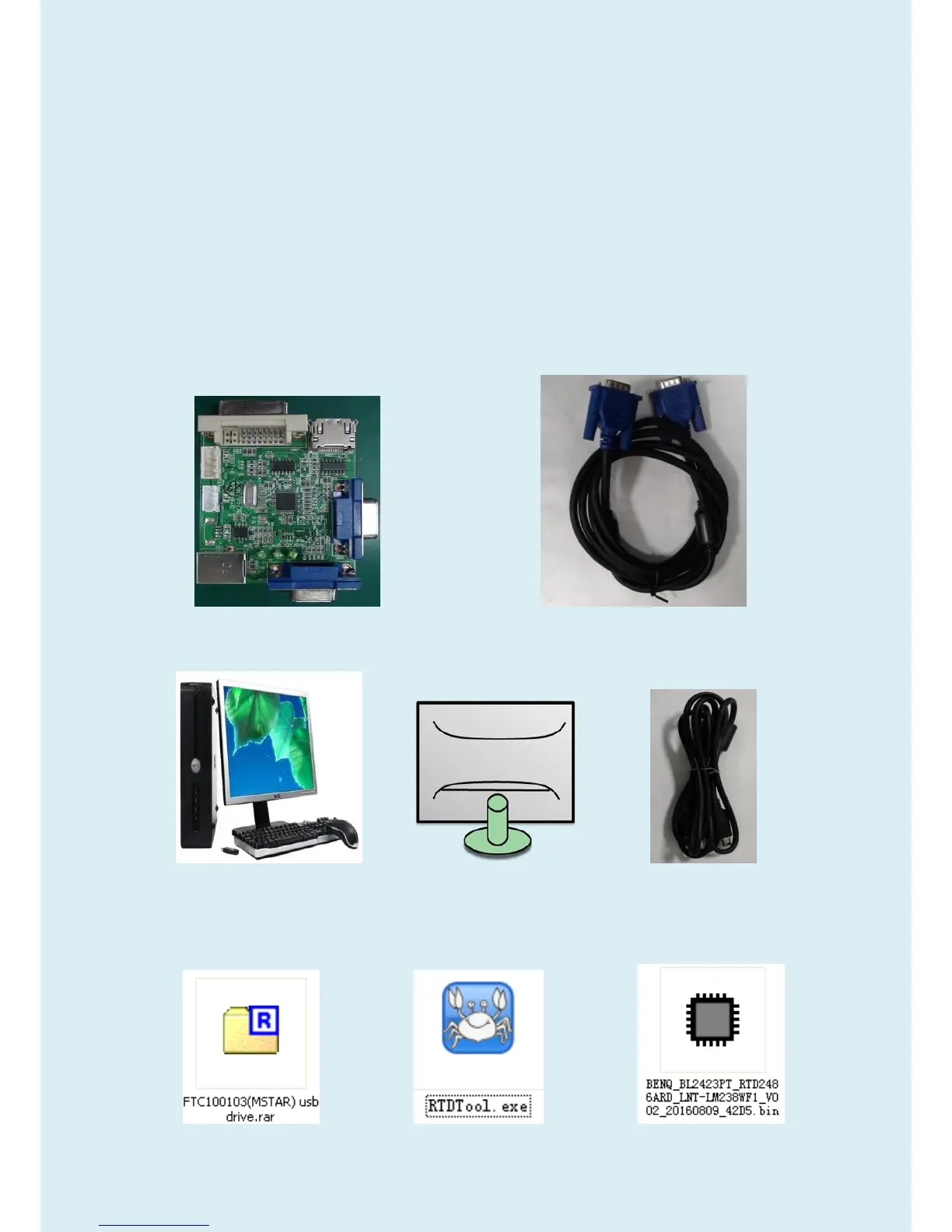
Upgrade by 715GT089-B
1.Materials
ISP JIG: 715GT089-B VGA cable
TPV P/N: 089G728 GAA DB
PC Monitor USB cable
TPV P/N: 089G1758 X
USB port driver ISP tool: New F/W


 To Next Page