32
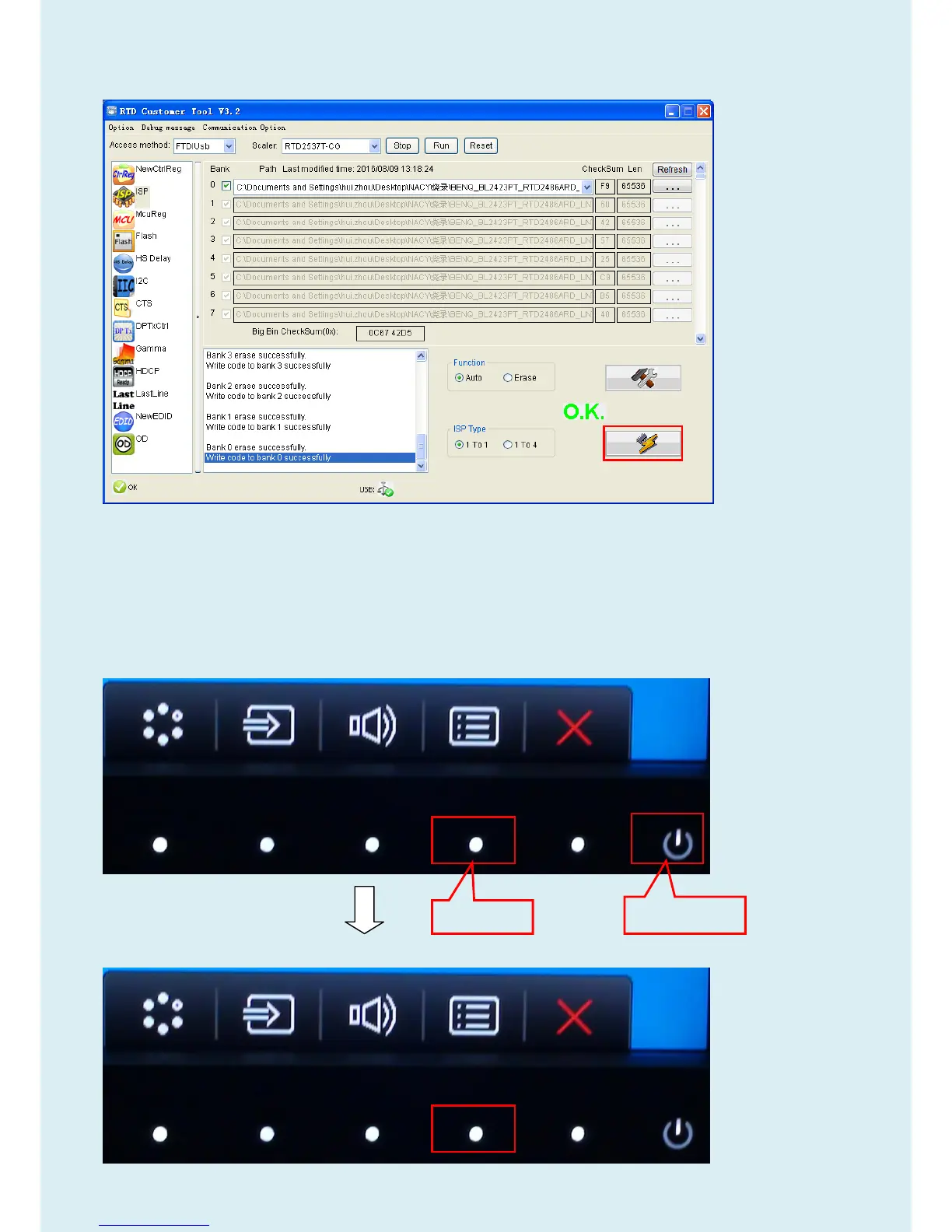
4.6 After about 20 minutes, there will pop up message as below figure which promotes the upgrade successful.
5. Check the FW version after upgrade.
5.1. The way to open factory menu.
(1)Connect signal source and power cable to monitor and DC off it.
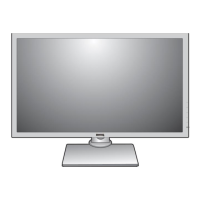
(2) Press “menu” key and “power on” key synchronously as below figure. When the screen lights, release the two
buttons and then press “menu” again to open below Service Page.


 To Next Page