12
BenQ C260 Mobile Phone
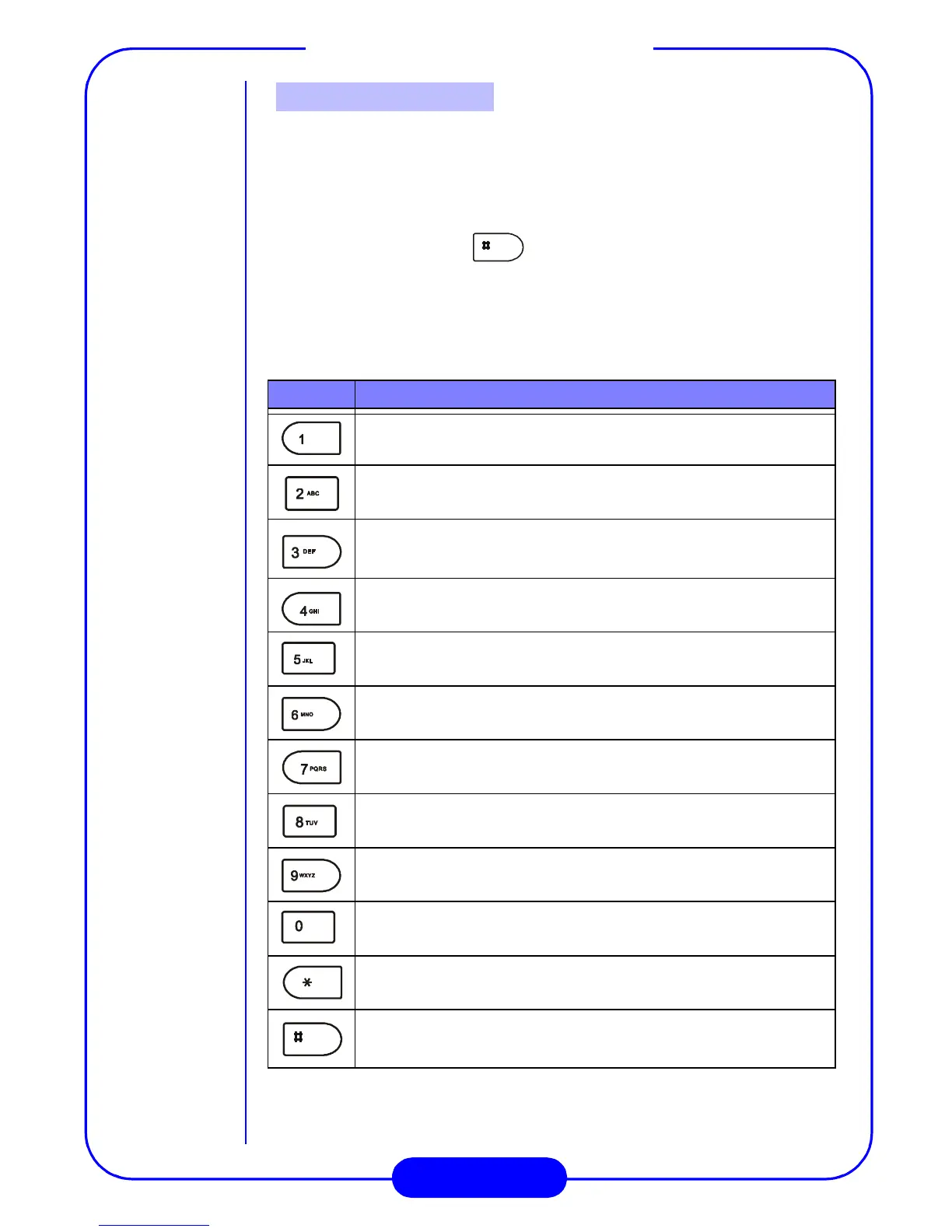
There are 12 alphanumeric keys on the keypad. You can use these keys
to enter numbers and letters. To enter a number, simply press the
button with that number. To enter characters, press the key several
times until the desired letter appears. To switch between upper and
lower cases, press the key. On the other hand, to switch
between numbers and letters, press the “Option” key.
Please see the table below for the keys and their corresponding
letters:
Key Letters
Alphanumeric Keys
Space, 1
A, B, C, 2
D, E, F, 3
G, H, I, 4
J, K, L, 5
M, N, O, 6
P, Q, R, S, 7
W, X, Y, Z, 9
0
Symbol table, if inputting symbols is allowed.
Change character cases.
T, U, V, 8



 To Next Page