20
BenQ C260 Mobile Phone
The OTASP (Over-The-Air Service Provisioning) from your network
service provider allows you to activate your network service simply
by making a phone call.
For details, please contact your network service provider.
You can enter the Call Logs menu by pressing or on the
scroll key in main menu.
There are 6 options in the Call Logs menu. You can highlight the
desired item by pressing or on the scroll key and then press
key to select.
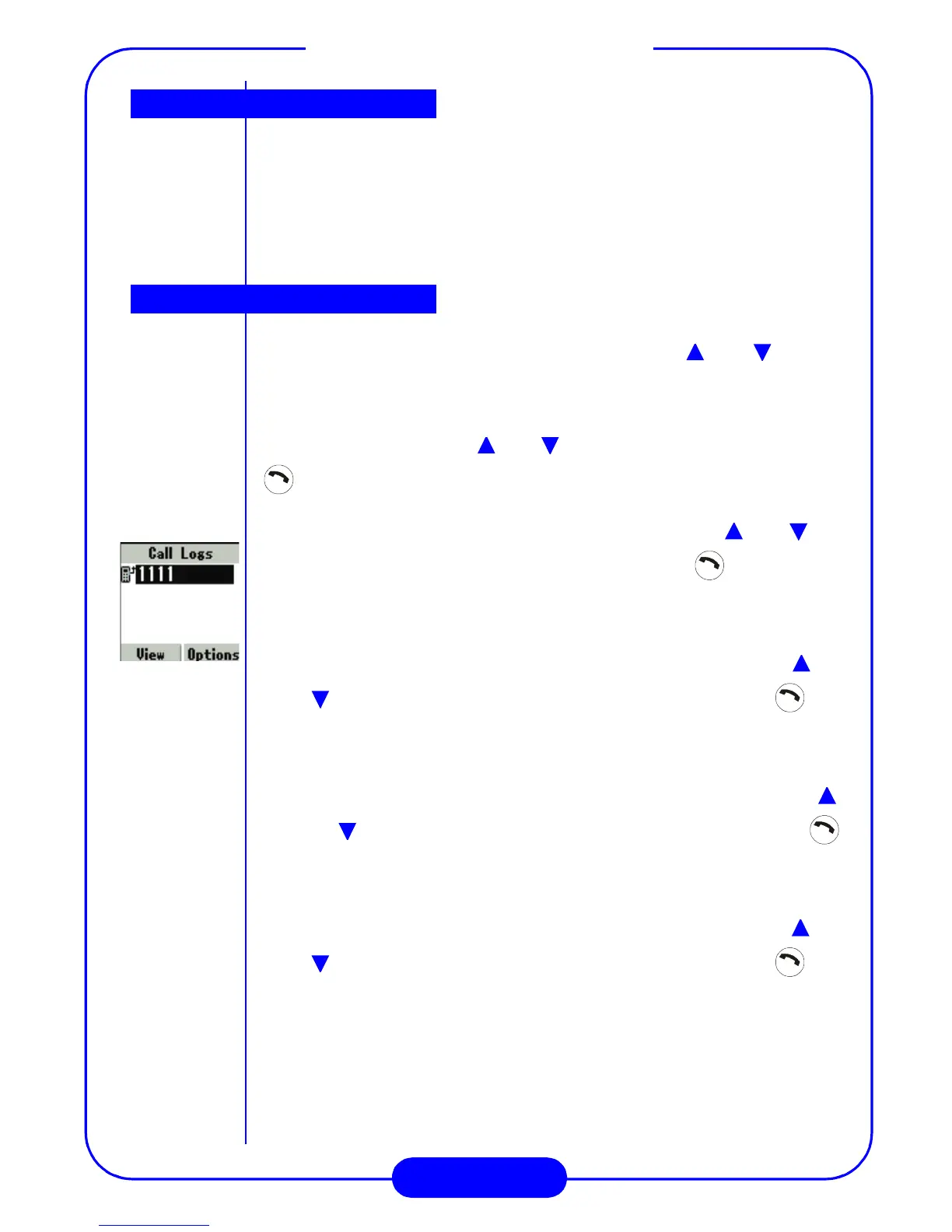
• All: Display the record of all calls. You can press or on
the scroll key to scroll the records, then press key to dial or
press the “Option” soft key to “Save Record” or “Erase.” Press
“View”’ soft key to see detail time.
• Missed: Display the record of missed calls. You can press or
on the scroll key to scroll the records, then press key
to dial or press the “Option” soft key to “Save Record” or
“Erase.”
• Received: Display the record of received calls. You can press
or on the scroll key to scroll the records, then press
key to dial or press the “Option” soft key to “Save Record” or
“Erase.”
• Dialed: Display the record of dialed calls. You can press or
on the scroll key to scroll the records, then press key
to dial or press the “Option” soft key to “Save Record” or
“Erase.”
• Call Timers: Press “Select” key to display the duration of the
Last Call, Home Calls, Roam Calls, All Calls, and Reset Timers.
OTASP call
Call logs



 To Next Page