113 Dodatak: Upotreba (Launcher) za verziju softvera stariju od v01.00.19.00
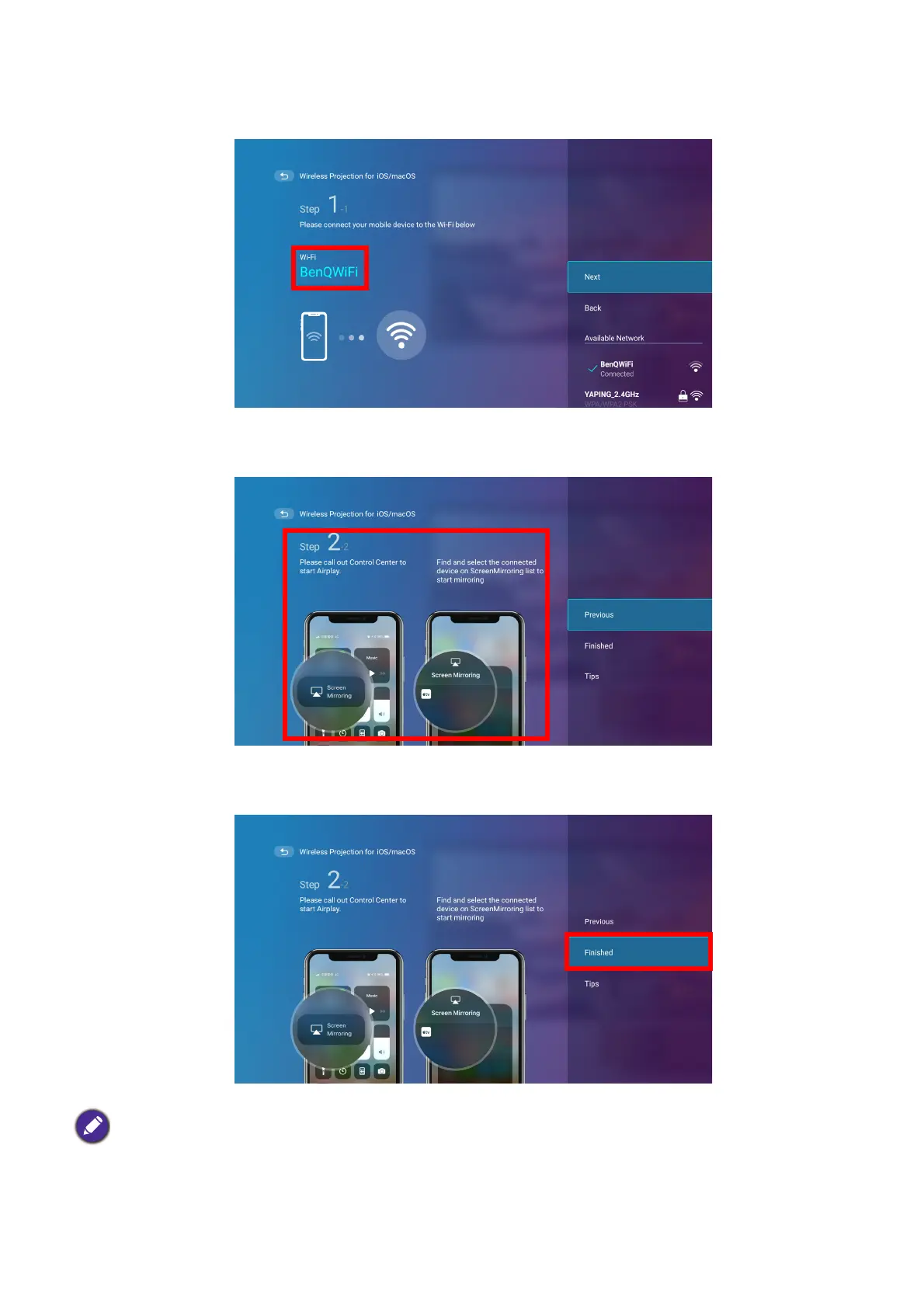
2. On your iOS mobile device’s wireless network menu connect to the wireless network
shown on the Wireless Projection for iOS & macOS screen and then select Next.
3. Follow the instructions shown on the Wireless Projection for iOS & macOS screen to
project your iOS device’s screen via AirPlay.
4. Select Finished on the Wireless Projection for iOS & macOS menu to finish the tutorial
and return to the home screen.
Once you have finished projecting, disable AirPlay on your iOS device to end the connection.
The quality of the wireless projection may depend on the quality of the wireless signal along with the screen
mirroring compatibility of the mobile device.













 To Next Page