122 Dodatak: Upotreba (Launcher) za verziju softvera stariju od v01.00.19.00
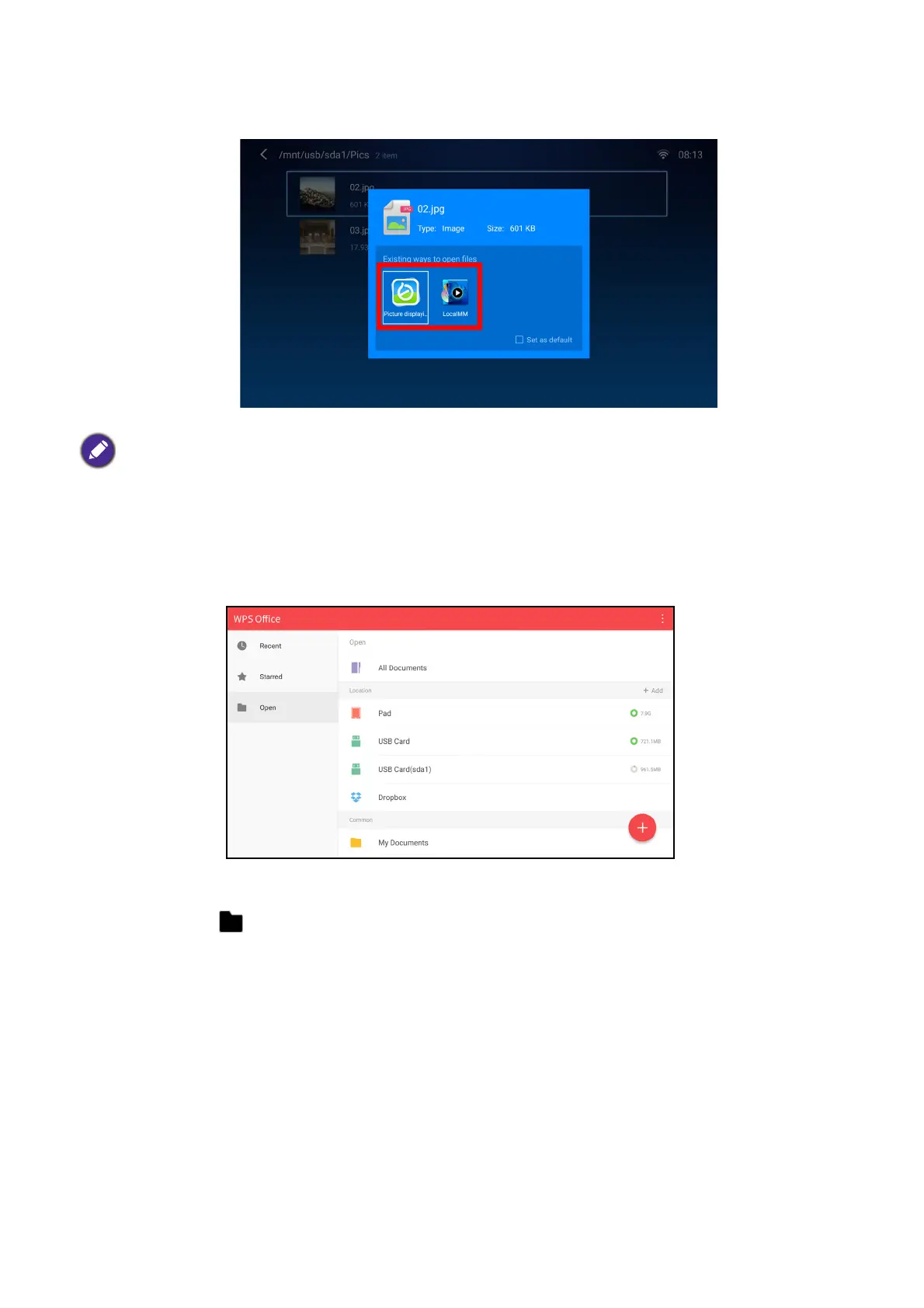
6. A prompt will appear asking you to choose a media player app, select the app you want to
use to open the media file and press OK.
7. The media file will open in the selected media player app.
Using WPS Office to view documents
The WPS Office app allows you to open document files including PDFs as well as Microsoft
Word, PowerPoint and Excel documents.
To edit a file with WPS Office:
1. Select Open ( ) on the left panel to browse and open a file located in either the projector’s
internal memory or an external storage device.
Check the Set as default box to configure the selected media player app as the default app for opening the
type of media file (e.g. video, photo, music) of the selected file.













 To Next Page