121 Dodatak: Upotreba (Launcher) za verziju softvera stariju od v01.00.19.00
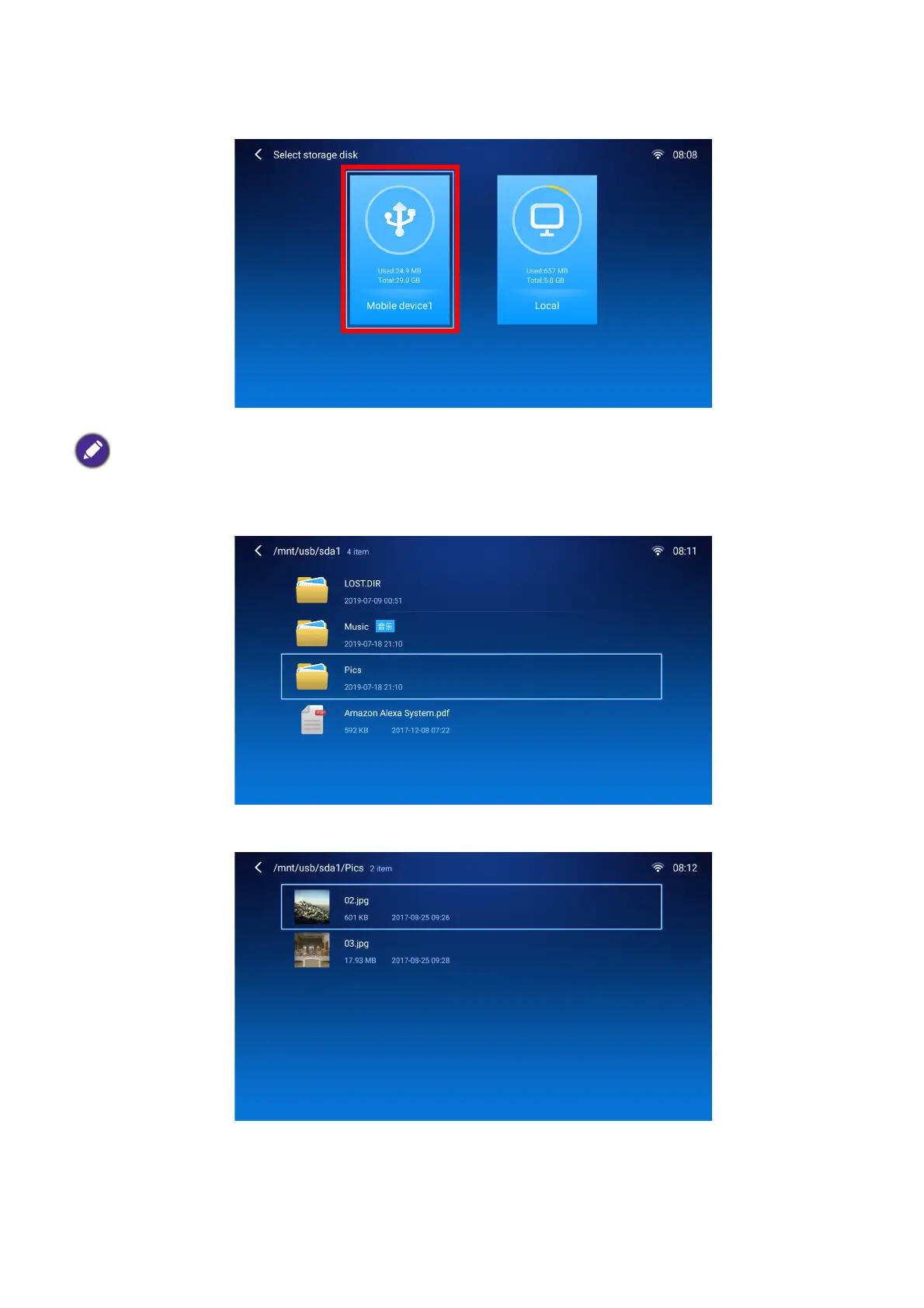
3. The File Manager app will launch and show selections for your connected device, select
Mobile Device1 and press OK.
4. Navigate to the folder where the media file you want to play is located and press OK.
5. Select the media file you want to play and press OK.
If flash drives are connected to both USB-A ports at the rear of the projector, select Mobile Device1 for the
storage device that was connected first or Mobile Device2 for the storage device that was connected most
recently.













 To Next Page