127 Dodatak: Upotreba (Launcher) za verziju softvera stariju od v01.00.19.00
BenQ Suggests
The BenQ Suggests allows you to view apps suggested by BenQ for download.
Select the category on the left panel to browse the suggested apps based on the type. Select
an app from the selected category and press OK to view a basic description of the app and
access the download link.
File Manager
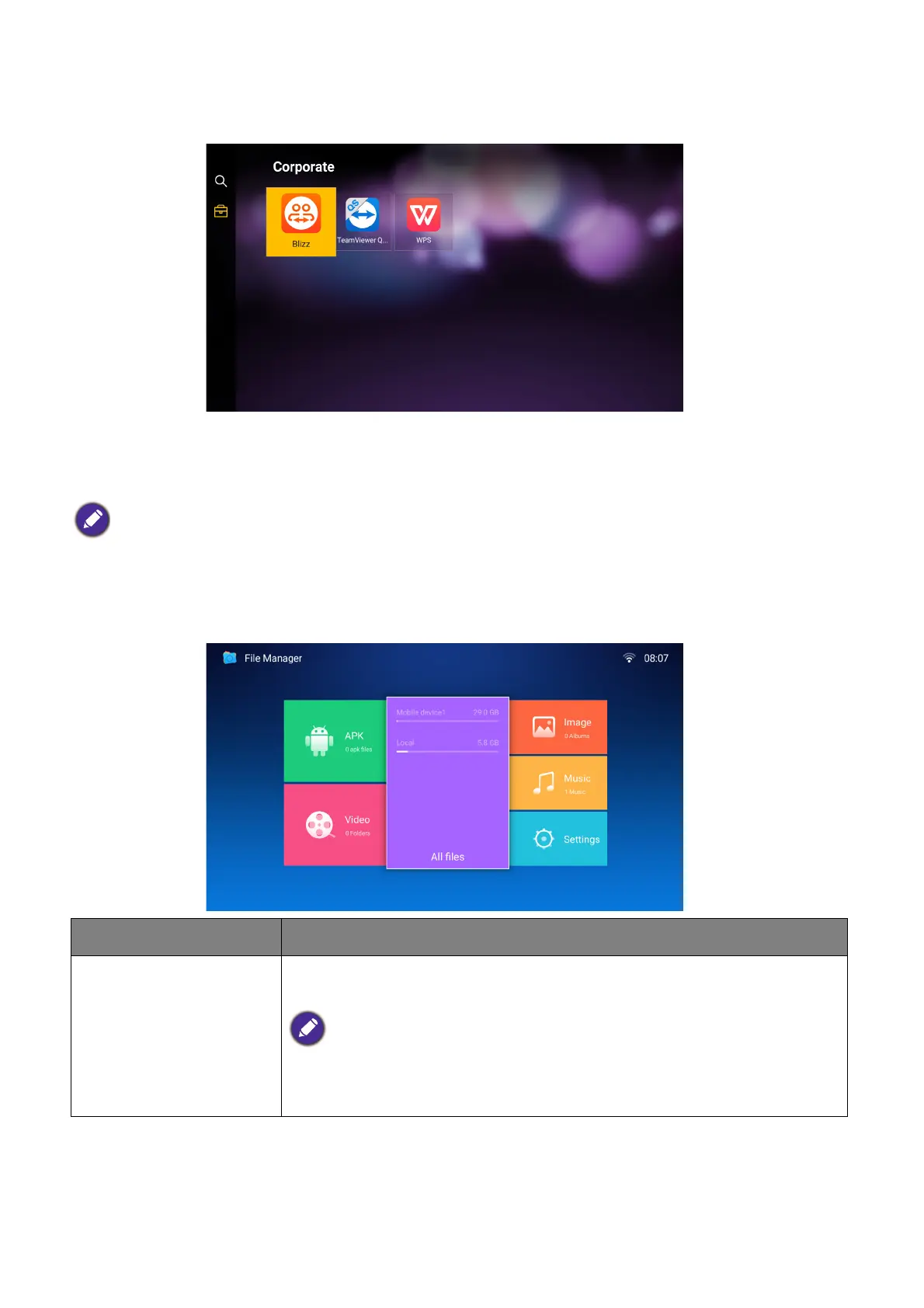
The File Manager app allows you to browse, open, and manage files stored on your projector’s
internal storage or in connected storage devices (e.g. a USB flash drive).
Certain apps require the use of a mouse and/or keyboard to operate. It is suggested that you connect a
mouse and/or keyboard to the projector before downloading any apps from BenQ Suggests.
Function Description
APK
Select to open the list of available installation files for Android apps
stored internally or on an external storage device.
For APK files located on external storage devices, the files must be saved in the
outer most directory of the storage device to be able to be detected by File
Manager.













 To Next Page